
Antelog
Antelog is a free local guard for Claude Code, Codex, Cursor, Copilot and other coding agents: it logs every agent action, blocks destructive or leaking ones (DROP DATABASE, rm -rf, force-push, .env reads, prompt-injection exfiltration) before they run, and keeps a tamper-evident log.
About Antelog
What Antelog is
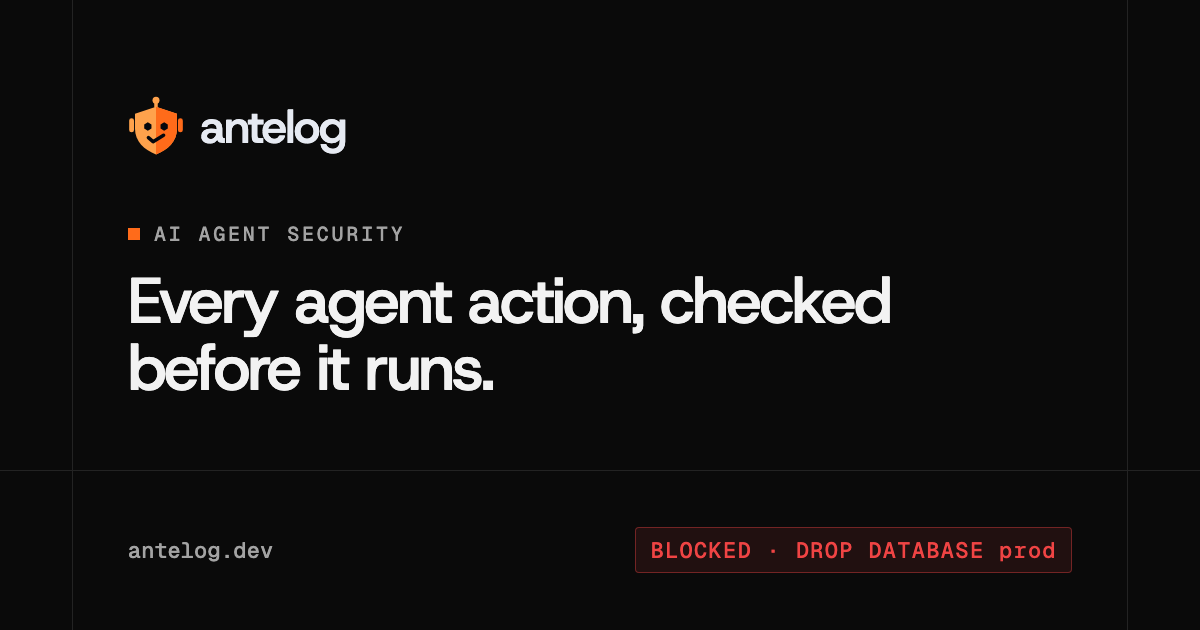
Antelog is a safety layer for AI coding agents. It sits between an agent such as Claude Code, Codex or Cursor and your computer, records every action the agent wants to take, checks it against a set of rules, and blocks the dangerous ones before they run: dropping a production database, rm -rf on your home folder, force-pushing to main, deleting cloud volumes, printing .env files, or sending data somewhere a web page told the agent to send it. When it blocks something, the agent is told why in plain words and nothing runs; if a person really needs the command, they run it themselves in a terminal. Antelog only stops AI agents, never you.
It launched on Product Hunt on November 14, 2026 with the line "stops AI coding agents from leaking or destroying your data". The site frames the product around real incidents it links to on its homepage, including a Cursor agent that deleted a company's production database and its backups with one API call in April 2026, and Claude Code running terraform destroy against a live site.
How it works
Antelog installs with one command on macOS, Linux or Windows, into your user folder with no admin rights, and starts a guard in the background. The installer checks the package against its published SHA-256 checksum, then connects every supported coding tool it finds by registering hooks: Claude Code, Codex, Cursor, GitHub Copilot (the Copilot CLI, the Copilot app and VS Code's agent), Gemini CLI, Qwen Code, Cline, OpenCode and Kilo Code. Any other agent can ask permission before an action with antelog check. Because it guards the tool rather than the model, whichever model you run inside those tools is covered.
Each action then goes through three steps: Antelog logs it before anything runs, checks it, and either lets it run or stops it. Rule checks run locally and, the company says, add milliseconds. Antelog also reads scripts that a command executes, such as python cleanup.py or npm run reset, and stops them if they do something on the list. Actions no rule stops get an optional AI review (details below). The log is a local SQLite file in ~/.antelog in which each entry stores the fingerprint of the previous one, so antelog verify shows if an entry was edited or deleted. The agent cannot change Antelog's settings, delete its log, stop it or uninstall it.
What it blocks
Antelog groups what it stops into six families, leaks first, then destruction:
- Prompt injection: once the agent has read outside content (a web page, search results, an email or chat tool, a GitHub issue, code cloned from a stranger), sending files, data, messages or code to a place that isn't yours is blocked. Company domains you list, and a destination you named yourself, are allowed.
- Secrets: printing
.envfiles, SSH keys and cloud CLI credential files; dumping the whole environment; reading secret managers or platform variables (kubectl get secret,railway variables); sending a key to an unknown server. - Personal info: customer emails or records pushed into a web search, a link or an outside site after the agent has read outside content.
- Data and backups:
DROP TABLE,DROP DATABASE,TRUNCATE,DELETEorUPDATEwith noWHERE, RedisFLUSHALL, MongoDBdropDatabaseordeleteMany({}), production resets and deleting snapshots. Local databases named for dev or test, and SQLite files, are never stopped. - Cloud: deleting databases, volumes, buckets or projects on AWS, Google Cloud, Azure, Railway, Supabase, Neon, Fly.io, Heroku, Vercel, Cloudflare and others, through their CLIs, APIs or MCP servers;
terraform destroy; Kubernetes namespaces and volumes. - Code and files:
rm -rfon root, home or a whole project, erasing drives, force-pushing to or deletingmain.
It also blocks attempts to turn the guard off, piping a downloaded script straight into a shell, and scripts too large to check. Normal work is left alone: reading, building, testing, installing, editing code, ordinary git, deploys and local test databases. Before an agent runs git reset --hard, git clean -f or similar, Antelog quietly saves your uncommitted work so one git command brings it back.
Commands you'll use
antelog doctor      # which tools are protected, setup problems
antelog blocked     # only what was stopped, and why
antelog log         # recent actions, allowed or stopped, with AI notes
antelog sent        # what left this computer, and where (--since 7d)
antelog privacy     # emails/phone numbers the agent sent out (0.9.25+)
antelog rules add   # your own rules in ~/.antelog/rules.txt
antelog verify      # check the log hasn't been changed
antelog report      # export as HTML, CSV or JSON
Your own rules go one per line in ~/.antelog/rules.txt, written as plain commands with * wildcards or as regex: patterns, and lines like company place: acme.com mark destinations as yours. Trusted servers for secrets go in ~/.antelog/allowed-servers.txt.
What leaves your machine
This is the part to read before installing. Blocking is local, but two optional cloud features are on by default. The hosted AI check sends each action no rule stops (and the text of any script it runs, up to 20,000 characters, with recognised secrets replaced by [REDACTED]) plus a random install id to app.antelog.dev, which asks an AI model through the Vercel AI Gateway; Antelog's security page names that model as Jev. The AI only writes notes and never stops anything; it can release one narrow class of false alarm (a database-wipe or stack-teardown rule hitting something plainly harmless that you asked for) but never cloud deletes, secrets, file erasure, force-pushes or scripts. The hosted judge sends a stopped action, its session id, working folder, rule name and your latest request (up to 2,000 characters) to Anthropic's Claude Haiku via Antelog's server, unless you supply your own Anthropic key. Antelog says its server keeps only daily and monthly counts, not the actions. Writing off into ~/.antelog/hosted-ai-check turns the AI check off. The online dashboard only receives your history if you connect a machine.
Limits and trade-offs
- Closed source. The code isn't public; the releases repository on GitHub hosts binaries and install scripts with checksums. You are trusting a binary that sits in front of every agent action.
- Very new. The project describes itself as early (v0.9). The releases repository was created on November 7, 2026 and shipped 0.9.25, 0.9.26 and 0.9.27 between November 11 and 14, 2026. The website doesn't publish a company name, team or location; releases come from the GitHub account of Yash Sarwaiya.
- Fail-closed only in some tools. In Claude Code (2.1.295 or newer) and Cursor, a crash or timeout blocks the action. Codex blocks too unless the binary can't start or its hooks weren't approved with
/hooks(needed again after each update). Gemini CLI, Qwen Code and Cline let the action run if they stop the hook or hooks are off; Gemini CLI skips hooks in untrusted folders; OpenCode and Kilo Code check nothing if the plugin fails to load; Copilot's cloud agent on GitHub.com isn't covered. - A deny-list, not a sandbox. It stops the listed disasters; anything else runs, and the AI check only annotates. It doesn't cover commands you run yourself, other programs, or agents it isn't connected to, and the README notes already-open sessions aren't protected until restarted.
- Privacy trade-off by default. If sending command text to a third-party service is a problem for your organisation, turn the hosted check off or bring your own keys before rollout.
When it fits, and when it doesn't
Antelog fits individual developers and small teams who let agents run with broad permissions on machines that can reach production databases, cloud accounts or git remotes, and who want a second line of defence behind least-privilege credentials, not instead of them. It does not replace removing standing production keys from developer laptops, short-lived credentials, branch protection or backups stored out of an agent's reach; the incidents Antelog cites all started with an agent finding a token that could do anything. Teams that need a full record across many machines are the target for the paid Team plan.
Pricing (checked November 15, 2026)
- Free: $0 (shown as "was $20"), for one person: blocking for leaks and destruction, the online dashboard, 50,000 AI checks a month per machine and 14 days of online history. Antelog stresses that blocking is identical on every plan.
- Team: custom pricing via a call: every developer's computer in one dashboard (machines sync every 5 minutes), company-wide rules and places, a tamper-evident audit log, CSV export, owner/admin/member roles; SSO and self-hosting on request.
Related on TechLogHub
- Secrets management and role-based access control: the controls Antelog backs up.
- Agentic AI, the class of tools Antelog guards.
- Jev, the model Antelog's hosted AI check uses.
- Git cheat sheet, including the reset and force-push commands Antelog watches.
Value & Audience
Value Proposition
A second line of defence for agent-driven development: destructive and data-leaking actions are stopped on your machine before they run, with a tamper-evident record of everything the agent did.
Problem Solved
Coding agents with broad permissions can find a powerful token and delete production databases, backups or cloud resources, print secrets, or exfiltrate data after reading a poisoned page, in seconds and without review.
Tech Stack
Database
Social & Links
Loading ratings...
Loading comments...
Gallery
Feedback & Roadmap
Antelog FAQ
Common questions about Antelog's features, pricing, and use cases
Is Antelog free to use?
Antelog has a free tier plus paid plans, starting at Free - $0 - one person, full blocking, dashboard, 50,000 AI checks/month per machine, 14-day online history. Plans listed: Free - $0 - one person, full blocking, dashboard, 50,000 AI checks/month per machine, 14-day online history; Team - custom - all machines in one dashboard, company rules and places, audit log, CSV export, roles; SSO/self-hosting on request.
What are some alternatives to Antelog?
Popular Security & Privacy alternatives to Antelog include SAM - Chrome Web Store, RoomGrade and Presend.
Antelog appears in
You May Also Like

SAM - Chrome Web Store
A powerful open-source adblocker featuring fingerprint protection and YouTube ad skipping.
View Product
RoomGrade
AI-powered due diligence tool for founders to identify and mitigate red flags in their data rooms before investors conduct formal diligence.
View ProductPresend
Free browser-based tools to clean, compress, and prepare files before you share them without ever uploading your data.
View Product
SafeSteps AI
A smart, private online protection system that monitors dangerous content on home computers in real time without invading privacy.
View ProductOne email a week
TechLogHub tracks 860 tools and 596 open-source projects. Get the week's new launches, release roundups and open-source picks — nothing else.
Get the TechLogHub digest
One email a week: new and trending developer tools, fresh comparisons, and what shipped. Unsubscribe in one click.