PDF Converter HEIC to PDF
PDF Converter HEIC to PDF is a free iOS PDF scanner, document scanner, and file converter app for students, professionals, and daily users. Scan documents, convert HEIC, JPG, PNG, Word, photos, and images to PDF, create clean PDF files, and manage documents easily.
About PDF Converter HEIC to PDF
PDF Converter . Heic to pdf app enables you to scan and convert your images and documents from multiple popular file formatsto PDF in j ust a few taps. Whether you want to convert a picture to pdf, or pdf to word or vice versa, this app is a one stop solution for all your document conversion needs.
Working:
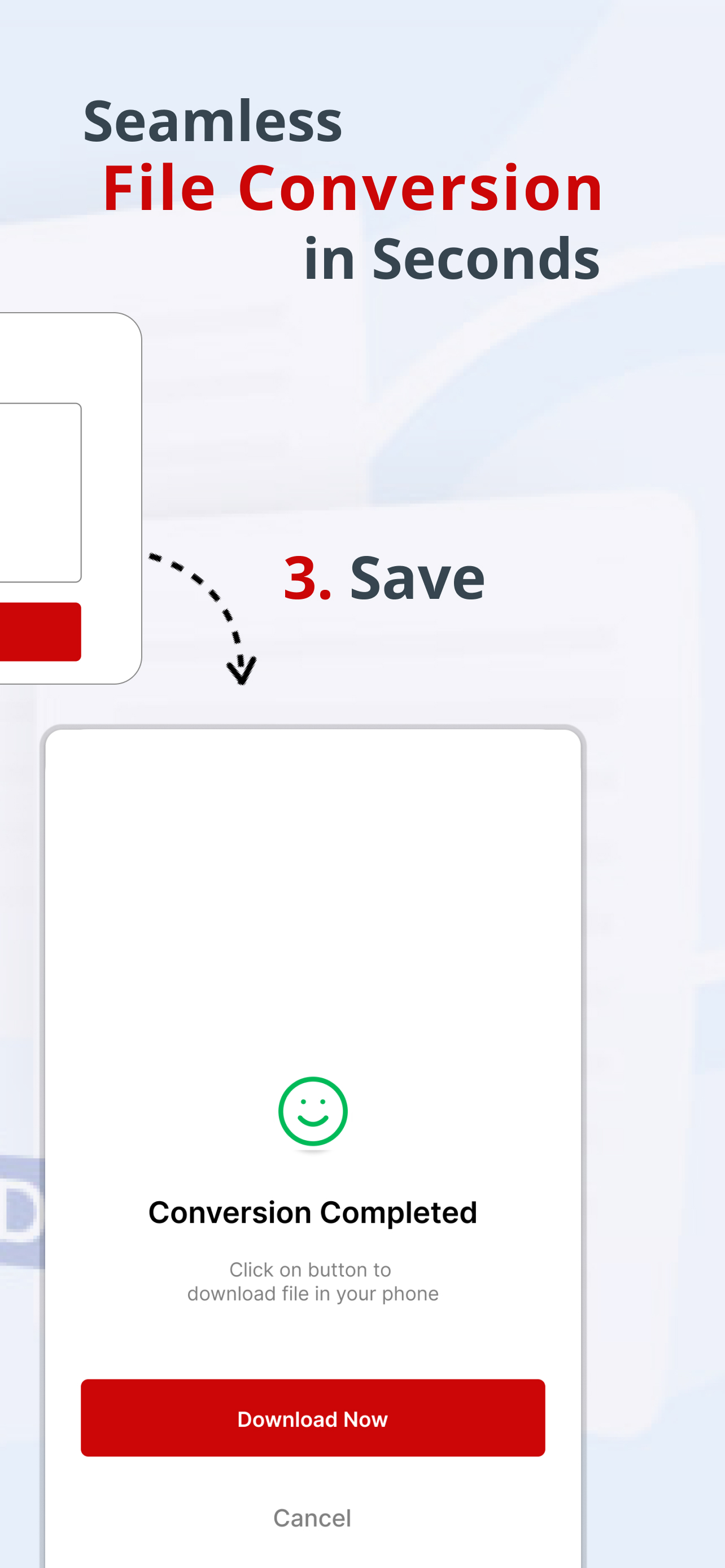
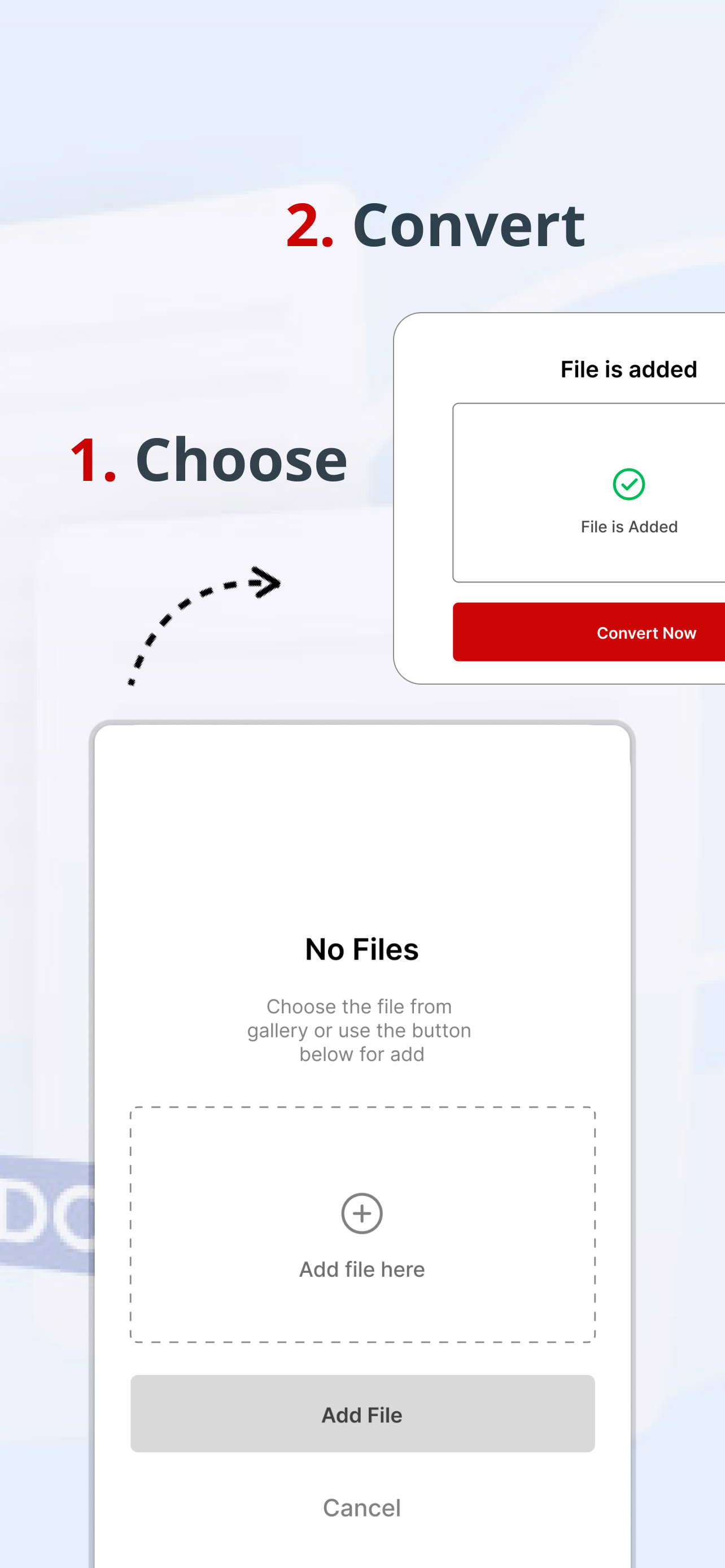
The Conversion process is simple, easy and consists of 3 Steps
1. Scan or choose your desired conversion like pdf to word or excel to pdf
2. Add your desired file to create pdf
3. Tap on Convert, and your pdf is generated
Key Features of PDF Converter App:
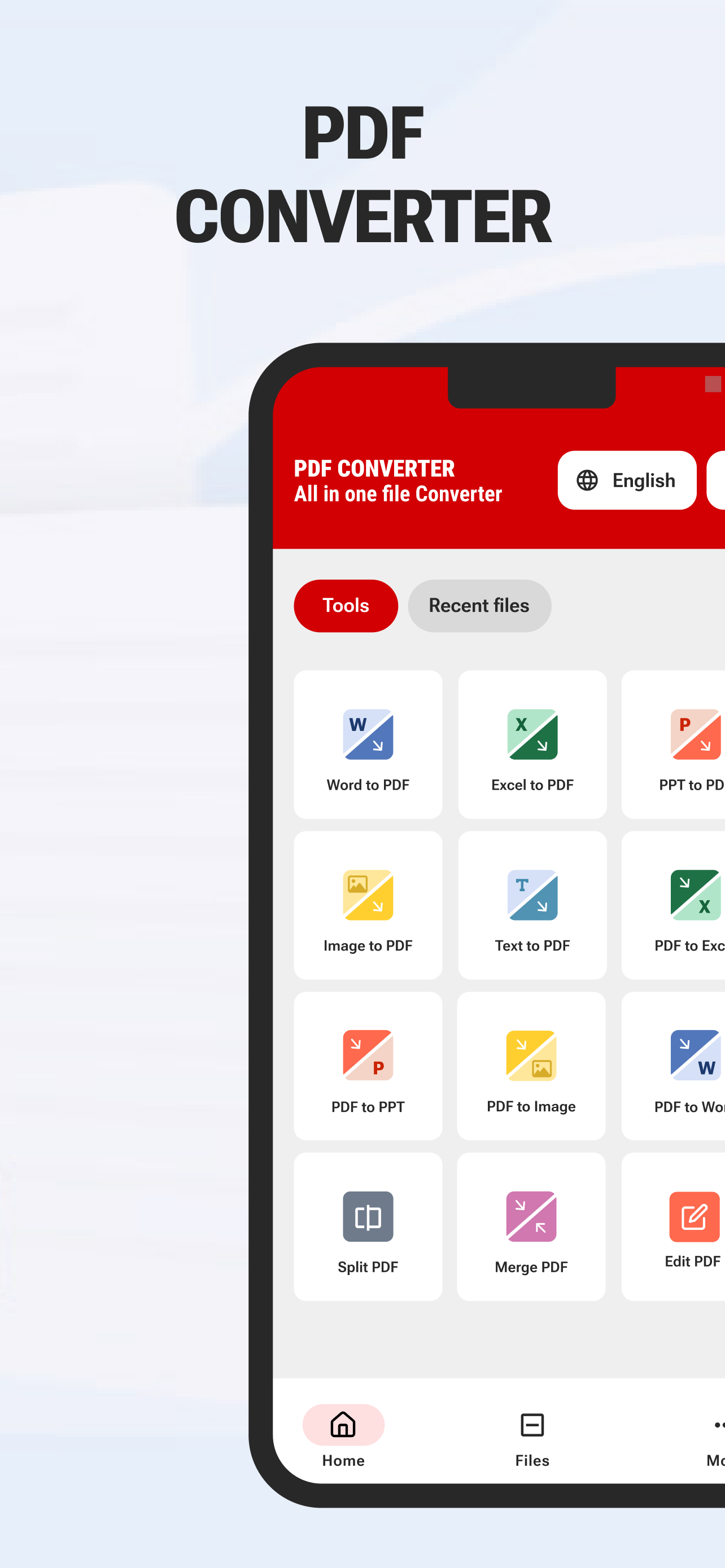
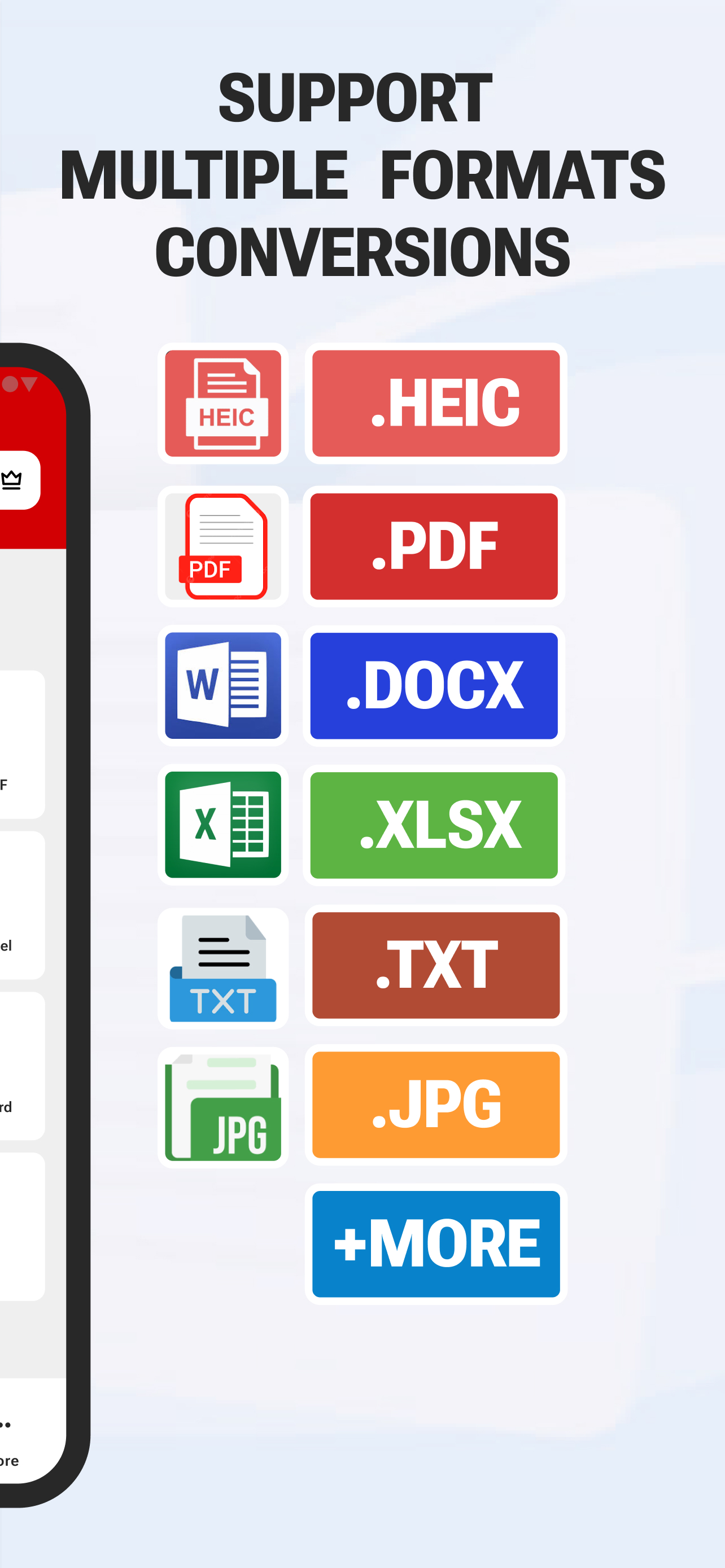
1. Image to PDF: Transform HEIC, PNG, JPG image to PDF from your iphone with ease. Combine photos into one pdf with our picture to pdf maker for creating exclusive PDF albums, portfolios, and presentations!
2. PDF to Image: Change pdf files into images with just a tap.
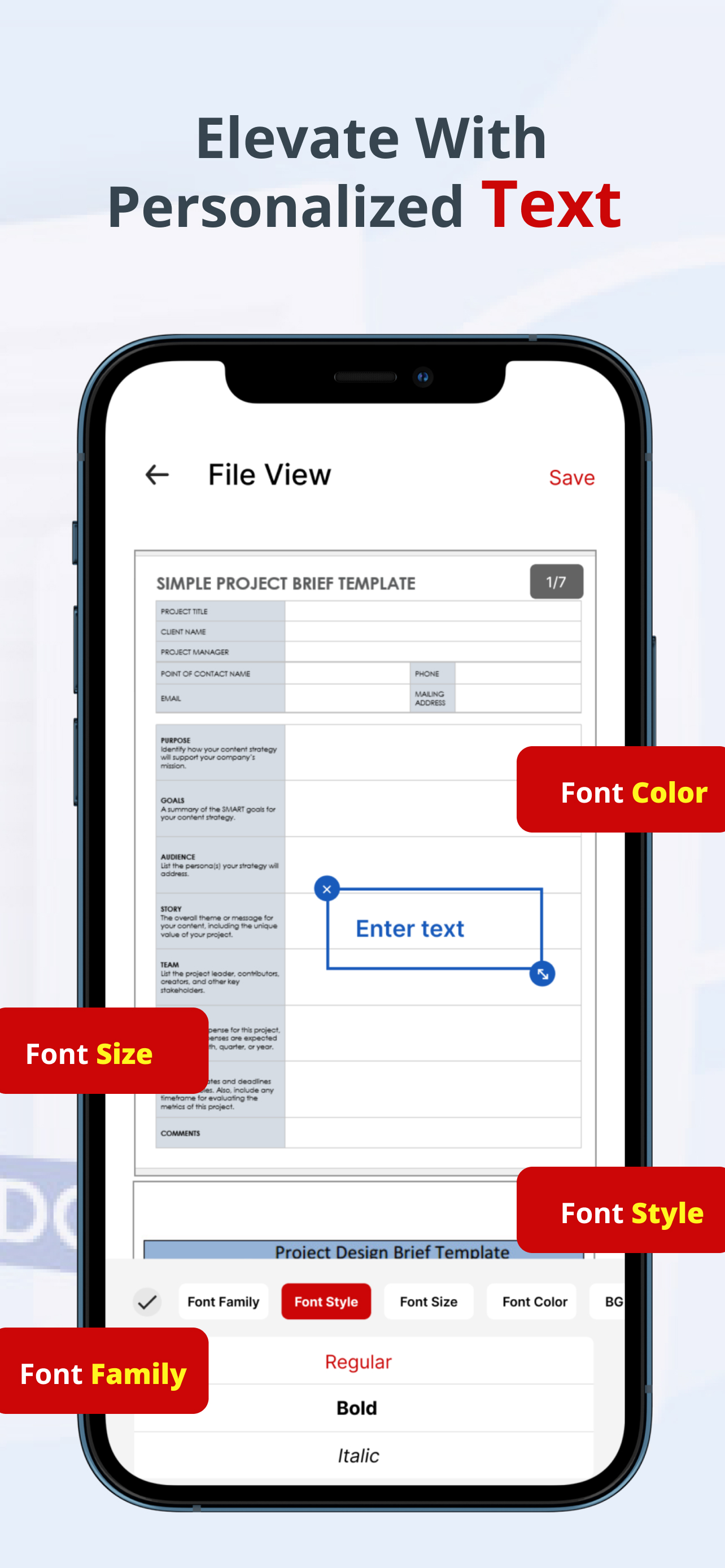
3. Edit PDF: Edit PDF files on your iphone with the best free pdf editor app.
4. Sign PDF: With sign pdf option, you can authenticate all your important documents and share with a tap.
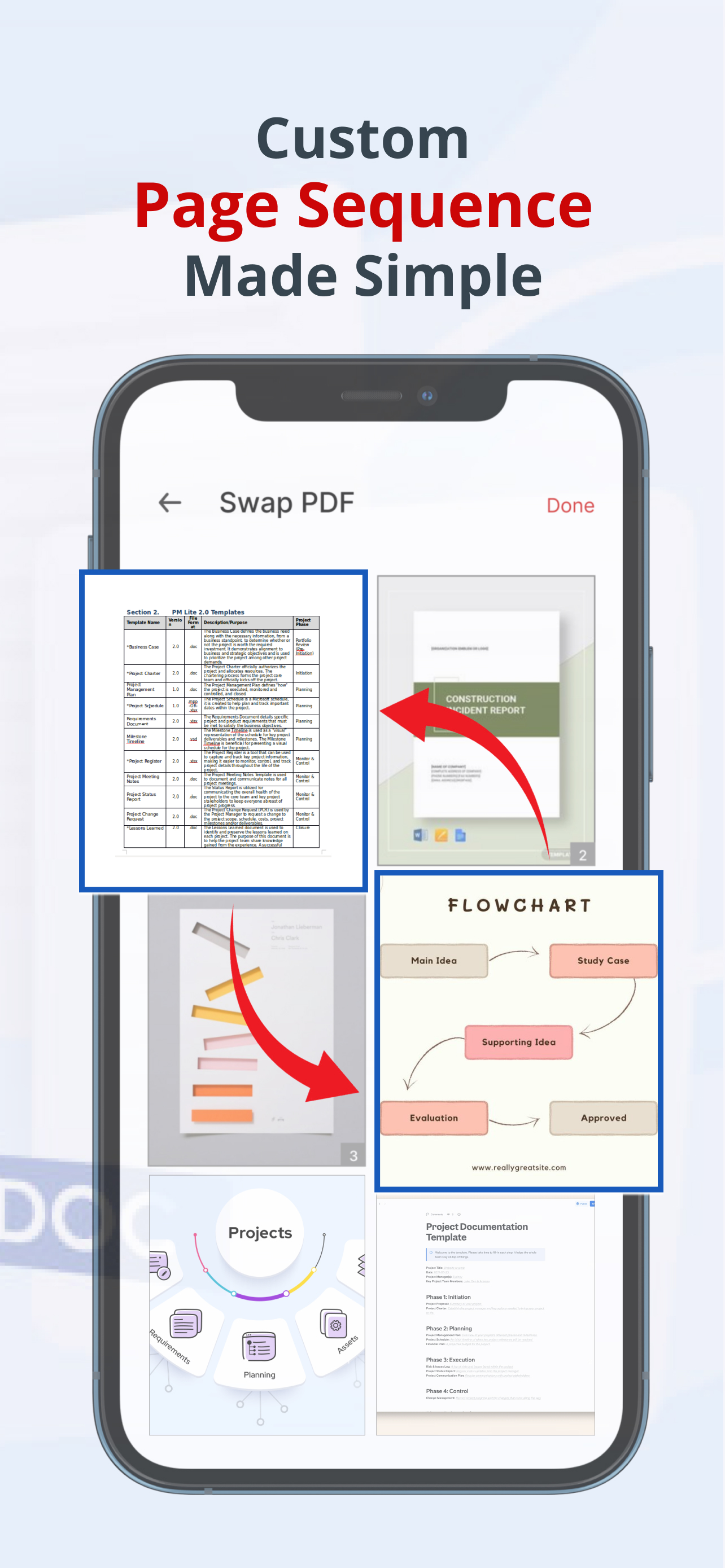
5. Merge PDF: The merge pdf option helps you merge different files and making it one pdf, working as a pdf combiner.
6. Split PDF: If you need specific pages from a single pdf file, split pdf option will get the done in seconds.
7. PDF to Word Conversion: Easily Convert PDF to docx file with all the editing and customization options intact.
8. Word to PDF Conversion: Convert doc or docx file to high-quality PDFs instantly, preserving fonts, images, and layouts.
9. TXT to PDF: Convert any text-based document to PDF format, ensuring your TXT to PDF conversion is universally accessible and secure.
10. PPT to PDF: Converting Power point presentations in to PDF is no longer a problem with our app.
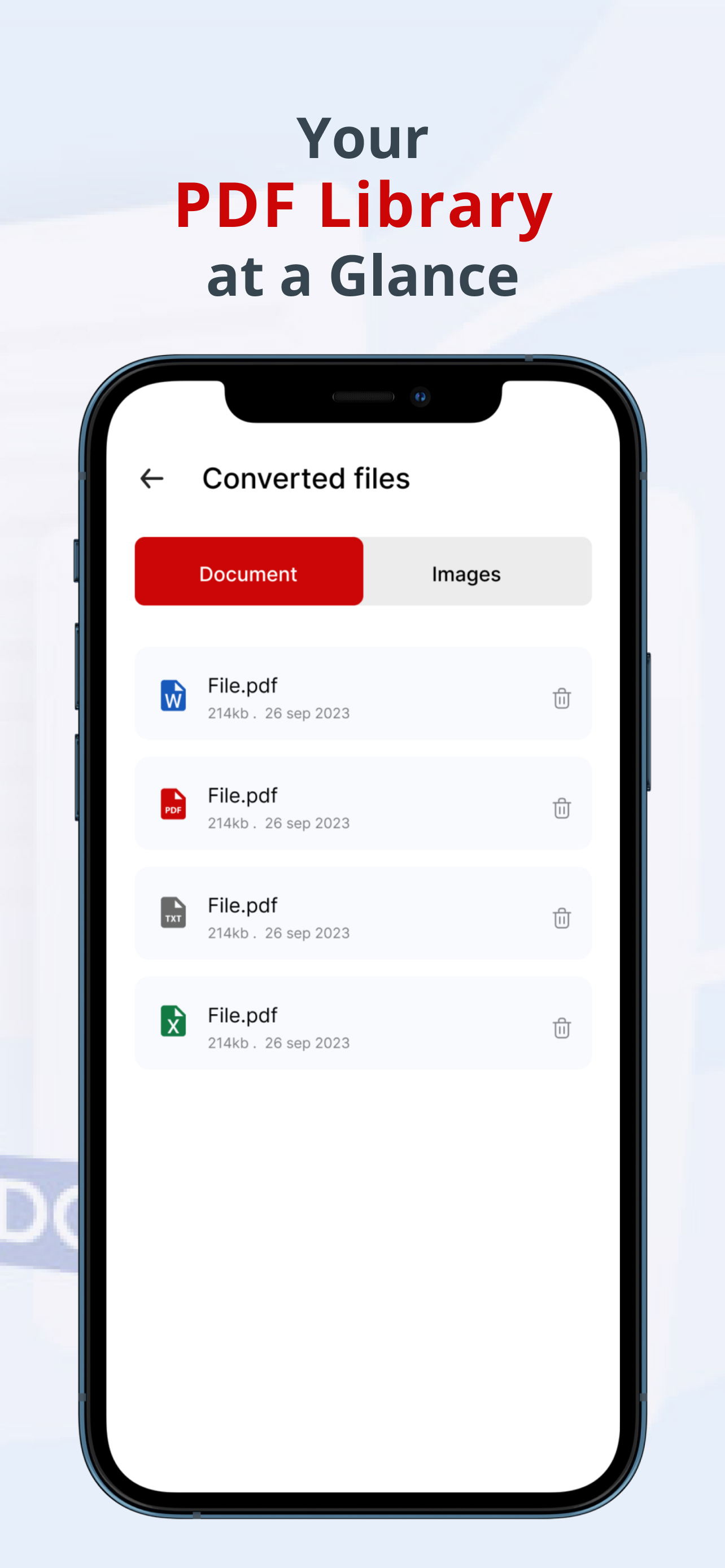
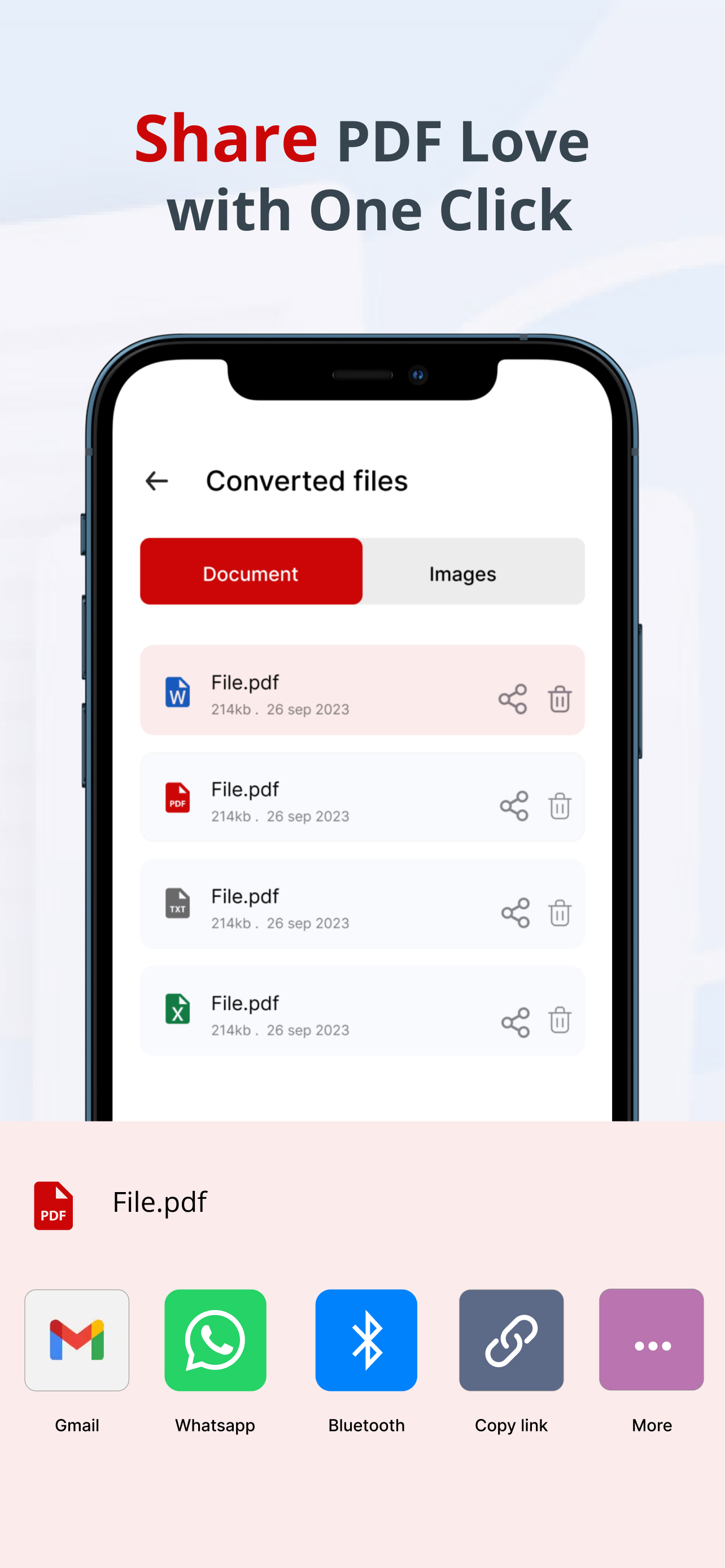
11. Effortless Sharing: Share and save your converted files instantly
12. Simple Interface: Our one window operating user-friendly design ensures a seamless experience, whether you’re a tech novice or a seasoned pro.
13. Offline Conversion: Convert and manage your PDF files even without an internet connection.
14.
Secure and Private: Experience
secure file handling with zero data storage. Your privacy comes first.
Whether you're a student, professional, or anyone in between, pdf converter .
heic to pdf app simplifies your document conversion and management tasks,
including image files, word documents, excel sheets, power point presentations and
more, much easier, making your life more productive and organized.
Value & Audience
Value Proposition
fast and easy scanning and document conversion
Problem Solved
document management
Target Audience
Loading ratings...
Loading comments...
Gallery
Feedback & Roadmap
PDF Converter HEIC to PDF FAQ
Common questions about PDF Converter HEIC to PDF's features, pricing, and use cases
What are some alternatives to PDF Converter HEIC to PDF?
Popular Productivity & Collaboration alternatives to PDF Converter HEIC to PDF include Dly- ToDo List & Habit Tracker, Active Now and The Conversion Atlas.
You May Also Like
Dly- ToDo List & Habit Tracker
A privacy-focused daily task planner, to-do list, and habit tracker that works completely offline with no account required.
View Product
Active Now
Menu bar and system tray app that keeps Teams, Slack, Discord, Zoom, and other workplace apps showing active while you work or take short breaks.
View Product
The Conversion Atlas
A calm, clutter-free online unit converter for length, weight, temperature, volume, speed, and 674+ other conversions.
View Product
NavVault
A universal AI side panel for ChatGPT, Claude, Gemini, and Grok that offers data sync, privacy shielding, and a prompt library.
View ProductOne email a week
TechLogHub tracks 878 tools and 602 open-source projects. Get the week's new launches, release roundups and open-source picks — nothing else.
Get the TechLogHub digest
One email a week: new and trending developer tools, fresh comparisons, and what shipped. Unsubscribe in one click.