
AI Context Flow
AI Context Flow from Plurality Network stores your context in permissioned memory buckets and shares it with ChatGPT, Claude, Gemini, Grok and Perplexity through a Chrome extension and with any MCP agent (Claude Code, Cursor, Copilot) through a hosted MCP server. Free plan; Plus $10/month, Pro $20/month.
About AI Context Flow
What AI Context Flow is
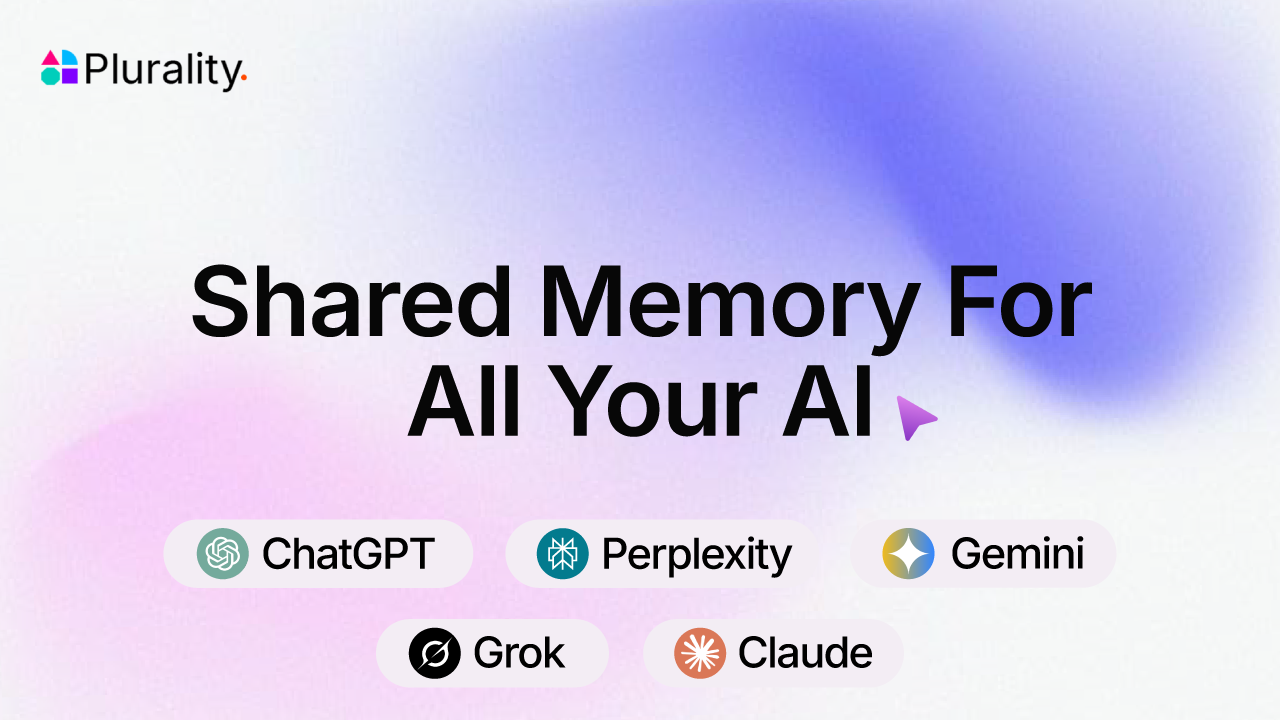
AI Context Flow is a shared memory layer for AI tools from Plurality Network. You save context once (project briefs, brand guidelines, client notes, files, past conversations) into a web app called Memory Studio, and the same memory is available inside ChatGPT, Claude, Gemini, Grok and Perplexity through a Chrome extension, and inside any agent that speaks the Model Context Protocol (MCP), such as Claude Code, Cursor, Windsurf, GitHub Copilot, LM Studio, Lovable or OpenClaw, through a hosted MCP server. The November 2026 launch, "AI Context Flow MCP", puts the MCP server and team sharing at the centre: context an agent saves in Cursor is there the next time you open Claude, without copying and pasting.
Plurality Network is led by founder and CEO Hira Siddiqui, a former web3 solutions architect at Deutsche Telekom according to her conference bio. The company was accepted into the Outlier Ventures accelerator in 2024 and received a grant from the Oasis Protocol Foundation in July 2025 for its identity work. Its footer names the legal entity as Plurality Technologies Ltd, and its Outlier Ventures portfolio entry is tagged Germany. Plurality describes its broader project as an "Open Context Layer": user-owned memory buckets that apps and agents can read only with permission. A sister product, Smart Profiles, is decentralized identity infrastructure built on Oasis Sapphire.
How it works
- Memory buckets. Everything you save lands in Memory Studio, sorted into separate buckets (spaces) per project, client or role, so a client's brief never leaks into another client's chat. Each item can be edited in a built-in editor, searched semantically and rolled back through full version history.
- Browser extension. In ChatGPT, Claude, Gemini, Perplexity and Grok, pressing Ctrl+I pulls in the memory you need, and a one-click prompt optimizer rewrites a rough question with that context. A sidebar on any website lets you chat with the page using 30+ models and save what matters back to memory. The company cites 4,000+ users and a 4.99 rating from 70+ Chrome Web Store reviews.
- MCP server. One URL,
https://app.plurality.network/mcp, connects any MCP client. It exposes seven tools:get_user_memory_buckets,list_items_in_memory_bucket,search_memory,read_context,save_memory,save_conversationandcreate_memory_bucket, so agents can both read context and write it back. - Two ways to authenticate. OAuth 2.1 with Dynamic Client Registration for interactive tools (a browser window opens and you sign in), or a personal access token (
plur_pat_..., with a name and expiry) sent as a bearer header for terminals, scripts and CI. - Permissions and sharing. Access is scoped per agent and per bucket, and revoking it takes effect on the agent's next request. A bucket can be shared with teammates by link with viewer or editor access; viewers need no account, and viewers cannot write to a shared bucket, with or without MCP.
What we checked: the MCP server's sign-in flow
On November 22, 2026 we called the MCP endpoint the way any client does on first contact, without credentials, and followed the discovery documents it points to:
$ curl -si -X POST https://app.plurality.network/mcp \
    -H 'Content-Type: application/json' \
    -H 'Accept: application/json, text/event-stream' \
    -d '{"jsonrpc":"2.0","id":1,"method":"initialize",...}'
HTTP/2 401
server: uvicorn
www-authenticate: Bearer resource_metadata="https://app.plurality.network/.well-known/oauth-protected-resource"
{"error": "Missing Authorization header", ...}

$ curl -s https://app.plurality.network/.well-known/oauth-protected-resource
{"resource":"https://app.plurality.network",
 "authorization_servers":["https://app.plurality.network"],
 "scopes_supported":["openid","offline_access","offline","mcp:tools"],
 "bearer_methods_supported":["header"]}

$ curl -s https://app.plurality.network/.well-known/oauth-authorization-server
  "registration_endpoint": "https://app.plurality.network/register"
  "code_challenge_methods_supported": ["plain","S256"]
  "grant_types_supported": ["authorization_code","implicit","client_credentials","refresh_token"]
  "token_endpoint_auth_methods_supported": [... "none"]
This is the standard MCP authorization handshake: the 401 carries a WWW-Authenticate header that points to protected-resource metadata, which names the authorization server, which in turn offers dynamic client registration and PKCE with S256. Any MCP client that implements the spec (Claude, ChatGPT connectors, Cursor, VS Code) can therefore connect with only the URL, as the docs say. Two details are worth knowing. The resource metadata advertises an mcp:tools scope that the authorization server's own metadata does not list, which matters only if you write a client by hand. And the server still advertises the implicit grant and the plain PKCE method, which OAuth 2.1 drops; well-behaved clients will use authorization code with S256 anyway. We did not sign in, so we did not call the tools themselves; the tool list above is from the documentation.
Pricing (checked November 22, 2026)
| Plan | Price | Credits per day | Memory | Notes |
|---|---|---|---|---|
| Free | $0 | 200 in the pricing table (the FAQ says 100) | 50 MB | MCP server with OAuth and personal access tokens, context sharing |
| Plus | $10/month or $99/year | 1,500 | 500 MB | Premium models |
| Pro | $20/month or $199/year | 5,000 | 5 GB | Premium models such as Claude, GPT and Gemini Pro |
The MCP server is included on every plan, including Free. Annual billing is advertised as two months free.
Worked example: what a year costs, and what you get per dollar
Plus   monthly  $10 x 12 = $120     annual $99    saving $21 (17.5%)
Pro    monthly  $20 x 12 = $240     annual $199   saving $41 (17.1%)

Credits per month (30 days) per dollar, monthly billing
  Plus   1,500 x 30 =  45,000 credits / $10 = 4,500 per dollar
  Pro    5,000 x 30 = 150,000 credits / $20 = 7,500 per dollar

Memory per dollar
  Plus   500 MB / $10 = 50 MB per dollar
  Pro    5 GB   / $20 = 250 MB per dollar
Pro gives about 1.7 times the credits and five times the storage per dollar of Plus, so the upgrade pays off once you store large documents or use the in-browser models heavily. The annual saving is closer to 17% than the "about 20%" the FAQ mentions. One thing the pricing does not say is what a credit buys: the site does not publish how many credits a prompt optimization, a sidebar chat or a memory search costs, so you cannot yet convert the daily allowance into a number of actions before trying it. Credits appear to apply to the extension's AI features; MCP access itself is listed as free on every plan.
AI Context Flow vs the alternatives
| AI Context Flow | TokenRip | Notion MCP | ChatGPT memory and Projects | |
|---|---|---|---|---|
| What is shared | Memory buckets: notes, files, saved chats | Files, tasks and pinned decisions | Your Notion pages and databases | Memory inside ChatGPT only |
| Works in | ChatGPT, Claude, Gemini, Grok, Perplexity (extension) and any MCP client | Claude, ChatGPT, Codex, Cursor, Grok and MCP apps | MCP clients such as ChatGPT, Claude and Cursor | ChatGPT |
| Separation | Per-bucket, per-agent permissions | Shared workspace; records which agent changed what | Notion's page permissions | Per project |
| Agents write back | Yes (save_memory, save_conversation) | Yes | Yes | Not from other tools |
| Price | Free; $10 or $20/month | Free; Pro $20, Power $60 per member a month | Uses your Notion account and plan | Part of a ChatGPT account |
For teams already writing everything in Notion, Notion MCP avoids a second store; AI Context Flow suits people who want one memory that also follows them into the consumer chat apps through the extension. For multi-agent rooms rather than shared memory, see S.Space.
Who it's for
Developers who switch between Claude Code, Cursor and ChatGPT and are tired of re-explaining a project, consultants and agencies who need hard separation between clients, and small teams that want every member's assistant to start from the same brief.
Limits and trade-offs
- Your context lives on Plurality's service. Memory Studio and the MCP server are hosted at app.plurality.network. The landing page says context is protected by Trusted Execution Environments and "no cloud storage", while the FAQ describes end-to-end encryption; we found no technical document that explains how memory is stored and encrypted for AI Context Flow specifically, so treat these as vendor claims and keep secrets out of shared buckets.
- Inconsistent plan details. The free tier is 200 credits a day in the pricing table, 100 in the FAQ, and the header offers "100 words for free". Check the app before relying on a number.
- Credits are not defined. There is no published cost per action.
- Extension coverage. The browser extension is for Chrome and covers five chat apps; everything else depends on MCP support in your tool.
- Tokens are bearer secrets. A personal access token gives an agent access to the buckets it is scoped to; the docs advise rotating them and never committing them.
- Marketing numbers are unverified. Time-saving figures on the site (for example "developers ship features 3x faster") are the company's claims, not measurements.
Related on TechLogHub
- MCP, OAuth and AI agents explained.
- RAG, vector databases and LLMs for how semantic memory search works.
- The JWT decoder and how JWT works for inspecting OAuth tokens.
- TokenRip, Composio and Notion.
Value & Audience
Value Proposition
Save context once and every AI tool and agent you use, in the browser or over MCP, reads and writes the same permissioned memory.
Problem Solved
Context is trapped in each AI tool's own chat history and memory, so people re-explain projects in every tool and mix up clients, while agents in IDEs and terminals start every session from nothing.
Tech Stack
Social & Links
Loading ratings...
Loading comments...
Gallery
Feedback & Roadmap
AI Context Flow FAQ
Common questions about AI Context Flow's features, pricing, and use cases
Is AI Context Flow free to use?
AI Context Flow has a free tier plus paid plans, starting at Free - $0 - 200 credits/day (FAQ says 100), 50 MB memory, MCP server with OAuth and personal access tokens. Plans listed: Free - $0 - 200 credits/day (FAQ says 100), 50 MB memory, MCP server with OAuth and personal access tokens; Plus - $10/month or $99/year - 1,500 credits/day, 500 MB memory, premium models; Pro - $20/month or $199/year - 5,000 credits/day, 5 GB memory, premium models.
What are some alternatives to AI Context Flow?
Popular AI Tools & Platforms alternatives to AI Context Flow include Jev, Ricebowl AI and ToSong.
AI Context Flow appears in
You May Also Like

Jev
Jev by TypeSafe AI is a model API that takes state plus typed questions and returns Choice, Score and true/false answers with calibrated probabilities instead of generated text.
View ProductRicebowl AI
Ricebowl AI is an independent commercial AI creation platform for image and video workflows. Generate watermark-free, commercial-ready exports with flagship models including Sora 2, Veo, Kling, Flux and more for marketing teams, ads, and product creatives.
View Product
ToSong
ToSong is an AI song maker: paste lyrics or describe a song and get melody, arrangement and vocals in one generation. 20 free credits on signup.
View Product
Quick I Ching
Use the I Ching online for free with Three-Coin, Yarrow Stalk, Mei Hua Yi Shu, or Manual Cast. Get your hexagram, changing lines, relating hexagram when applicable, and a clear I Ching reading.
View ProductOne email a week
TechLogHub tracks 923 tools and 617 open-source projects. Get the week's new launches, release roundups and open-source picks — nothing else.
Get the TechLogHub digest
One email a week: new and trending developer tools, fresh comparisons, and what shipped. Unsubscribe in one click.