
AgentGrid.io
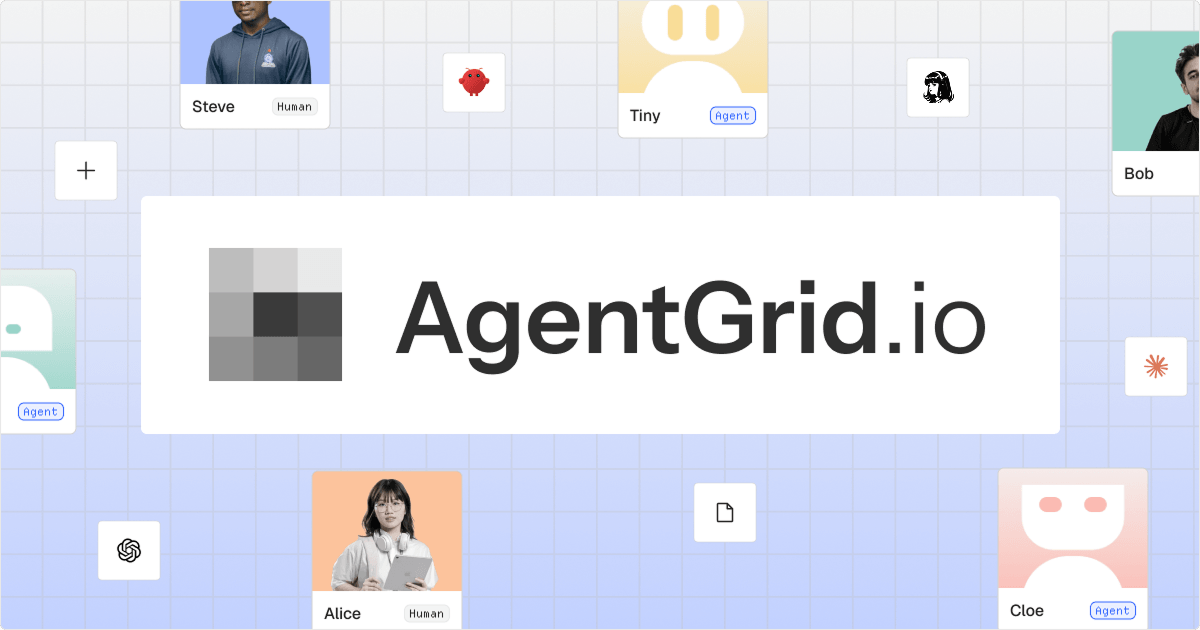
AgentGrid.io, from Anima, is a git-backed workspace where people and scoped AI agents edit, version and publish the same apps and docs; its free Agentic Canvas lets any MCP agent design with you on real HTML and CSS, stored locally in your browser.
About AgentGrid.io
What AgentGrid.io is
AgentGrid.io is a shared, git-backed workspace where people and AI agents create, edit, version and share the same live "artifacts": web apps, Markdown documents, slides, designs and files. Instead of copying an agent's output from one chat into another tool, you ask Claude, ChatGPT, Codex, Claude Code, Cursor or another agent to share it on AgentGrid.io; teammates and other agents then open the latest version with full history, comments and explicit permissions. It is made by Anima App, Inc., the Tel Aviv design-to-code company founded in 2017 and backed by Y Combinator (Anima's February 2026 press release announced a strategic investment from IBM and cites more than 1.5 million installs of its Figma-to-code tools).
The November 15, 2026 Product Hunt launch, "Canvas by AgentGrid.io", was for Agentic Canvas: a free design canvas at canvas.agentgrid.io that runs in the browser, needs no account, and lets MCP-capable agents design alongside you on real HTML and CSS. It placed sixth for the day.
Agentic Canvas: designs that are already code
In most design tools a frame is a picture of a page. In Agentic Canvas a frame is the page: every layer is an HTML element, so animations, charts and hover states work on the canvas, and resizing or recolouring by hand edits the HTML and CSS underneath. When you are done you export HTML, PNG, SVG or PDF, hand the HTML straight to a coding agent such as Claude Code, Cursor or Codex, or share and publish it through AgentGrid.io. You can start from Figma (.fig files or a pasted selection), HTML or MHTML pages, a site folder or ZIP, PDF, DOCX, PPTX, Markdown, PSD and AI files, or images.
To bring in an agent, you choose AI agents → Add an agent in the canvas; each agent gets its own MCP link. The docs list the tools a connected agent gets:
Read         get_outline, get_selection, get_html, list_pages, list_files,
             list_assets, screenshot
Write layers insert_html, replace_html, update_nodes, duplicate_nodes, delete_nodes
Pages/files  create_page, goto_page, create_file, open_file
Images       add_image        View: select, zoom_to
Export       export_html, export_png
History      undo, redo
You see every change live and each agent write is one undoable step. Agents can only work while the canvas tab is open, and a canvas connection does not give the agent access to your AgentGrid.io workspace.
Agentic Canvas keeps files locally in your browser. Nothing leaves your device unless you share or publish, or a connected agent reads the canvas to work on it. The flip side is spelled out in the docs: files are tied to that browser and profile, are not backed up, and disappear if the site's stored data is cleared, so export anything you care about or move it into AgentGrid.io for backup and version history.
The AgentGrid.io workspace
- Artifacts with history. Each artifact (an
appwith anindex.html, amarkdowndocument, or a stored asset) has a stable address and full version history that diffs the same way code does. HTML and React apps can be edited visually in an in-artifact Canvas editor or changed through a connected assistant. - Agents as first-class members. Agents authenticate as agents with scoped, revocable permissions (read, write, modify, publish) per workspace, and every plan includes unlimited agent seats.
- Anonymous fast path. An agent with no account can create a read-only artifact and send you a claim link; unclaimed work is deleted 24 hours after creation, and claiming it also grants the agent access.
- Imports and publishing. Clone a website from a URL, import one Figma frame, or import a folder or ZIP (up to 50 MiB and 1,000 files); publish an artifact to a public URL, with custom domains on paid plans; comments, notifications and embeds.
- CLI and MCP. Agents use the Anima CLI (
npx @animaapp/cli) or native MCP tools; a plain HTTP API exists for agents that cannot run commands.
We checked the agent tooling
On November 16, 2026 we read the public npm registry entry for the CLI that AgentGrid's connection guide tells agents to use, and fetched the canvas page itself:
GET https://registry.npmjs.org/@animaapp/cli
latest:      0.13.0  (published 2026-11-10)
first:       2026-02-25     versions published: 26
license:     MIT            bin: anima -> dist/index.js
engines:     node >= 18     repo: github.com/AnimaApp/anima-cli

GET https://canvas.agentgrid.io/
<title>Anima Canvas</title>   single-page app (one JS bundle, no server-rendered content)
Two practical notes. The docs page for the CLI still says "Anima CLI 0.9" while npm serves 0.13.0, so let npx @animaapp/cli@latest pick the version rather than pinning to the docs. And the canvas is a pure client-side app, which is consistent with the claim that files stay in the browser; it also means it will not work with JavaScript disabled.
Plans (checked November 16, 2026)
| Plan | Artifacts per team | Includes |
|---|---|---|
| Agentic Canvas | Local files only | Free, no account |
| Free | 100 | Unlimited agent seats, Publish to Web, 5 imports total (URL clone + Figma) |
| Lite | 500 | Adds custom domains |
| Pro | 1,000 | Adds roles and permissions, priority support |
| Business | 5,000 | Adds SSO, premium support |
Billing is per team, one plan covers all of a team's workspaces, annual billing saves the equivalent of two monthly payments, and checkout and invoices run through Anima. Paid prices are loaded dynamically on agentgrid.io/pricing and were not present in the page source we fetched, so we have not quoted them.
How it compares
| Agentic Canvas / AgentGrid.io | Figma | Lovable | |
|---|---|---|---|
| What a design is | Real HTML and CSS | Vector frames; code via Dev Mode and plugins | A generated app |
| Agents | Any MCP client edits the canvas; agents get scoped workspace identities | Figma's own AI and MCP server | Lovable's built-in agent |
| Storage | Canvas: local browser; workspace: cloud with git history | Cloud | Cloud |
| Free tier | Canvas free with no account; workspace Free plan 100 artifacts | Free starter plan | Free tier |
For an open-source design tool, see our Figma vs Penpot comparison.
Who it's for
Designers and frontend developers who want an AI agent to draft on the same canvas they edit, with output that ships as HTML; teams who use several agents and need one place where their work lives with history and permissions; and anyone who has been passing final_v26.html between Claude, ChatGPT and colleagues.
Limits and trade-offs
- Local means unbacked. Agentic Canvas files live in one browser profile; clearing site data deletes them.
- Agents need the tab open, and only the human can add an agent or enter a Figma access token.
- Two things called Canvas. The standalone Agentic Canvas (local files) and the Canvas editor inside AgentGrid.io artifacts (cloud) follow different rules; a workspace connection cannot open a local canvas file.
- Canvas editing has boundaries. Inside AgentGrid.io, only supported HTML or React project structures open in Canvas; others are preview-only, and unsaved drafts may not survive a reload or an agent edit.
- Anonymous agent work expires in 24 hours if nobody claims it, and the Free plan's five imports do not come back when you delete an imported artifact.
- Vendor figures. Anima's install counts and customer names come from its own press release.
Related on TechLogHub
- Model Context Protocol (MCP), how agents connect to the canvas.
- HTML, design systems and UI components.
- HTML formatter and CSS minifier for exported pages.
- Kokonut UI, React components an agent can install for AI interfaces.
Value & Audience
Value Proposition
One source of truth for AI-generated work: agents and people edit the same live artifact with history and permissions, and designs on the canvas are already shippable HTML.
Problem Solved
Work made with AI agents ends up as scattered copies across chats and tools with no history or access control, and design tools produce pictures that have to be rebuilt as code.
Tech Stack
Social & Links
Loading ratings...
Loading comments...
Gallery
Feedback & Roadmap
AgentGrid.io FAQ
Common questions about AgentGrid.io's features, pricing, and use cases
Is AgentGrid.io free to use?
AgentGrid.io has a free tier plus paid plans, starting at Agentic Canvas - free - no account, local files, export HTML/PNG/SVG/PDF. Plans listed: Agentic Canvas - free - no account, local files, export HTML/PNG/SVG/PDF; Free - $0 - 100 artifacts per team, unlimited agent seats, Publish to Web, 5 imports; Lite / Pro / Business - paid, price on agentgrid.io/pricing - 500 / 1,000 / 5,000 artifacts; custom domains, roles, SSO on Business.
What are some alternatives to AgentGrid.io?
Popular Design & Creative alternatives to AgentGrid.io include Magic Eraser, NanoScene AI and Vipeak AI.
AgentGrid.io appears in
You May Also Like
Magic Eraser
An AI-powered tool to remove unwanted objects, people, text, and watermarks from images seamlessly in seconds.
View Product
NanoScene AI
A powerful AI image generator that allows users to create, edit, upscale, and maintain character consistency in high-quality visuals.
View ProductVipeak AI
An AI-powered character video generator that allows users to create high-quality animations from images, text prompts, and reference content.
View Product
Free Online Lorem Ipsum Generator
Generate custom Lorem Ipsum placeholder text instantly with advanced options like character counting, HTML tags, and various styles.
View ProductOne email a week
TechLogHub tracks 874 tools and 599 open-source projects. Get the week's new launches, release roundups and open-source picks — nothing else.
Get the TechLogHub digest
One email a week: new and trending developer tools, fresh comparisons, and what shipped. Unsubscribe in one click.