



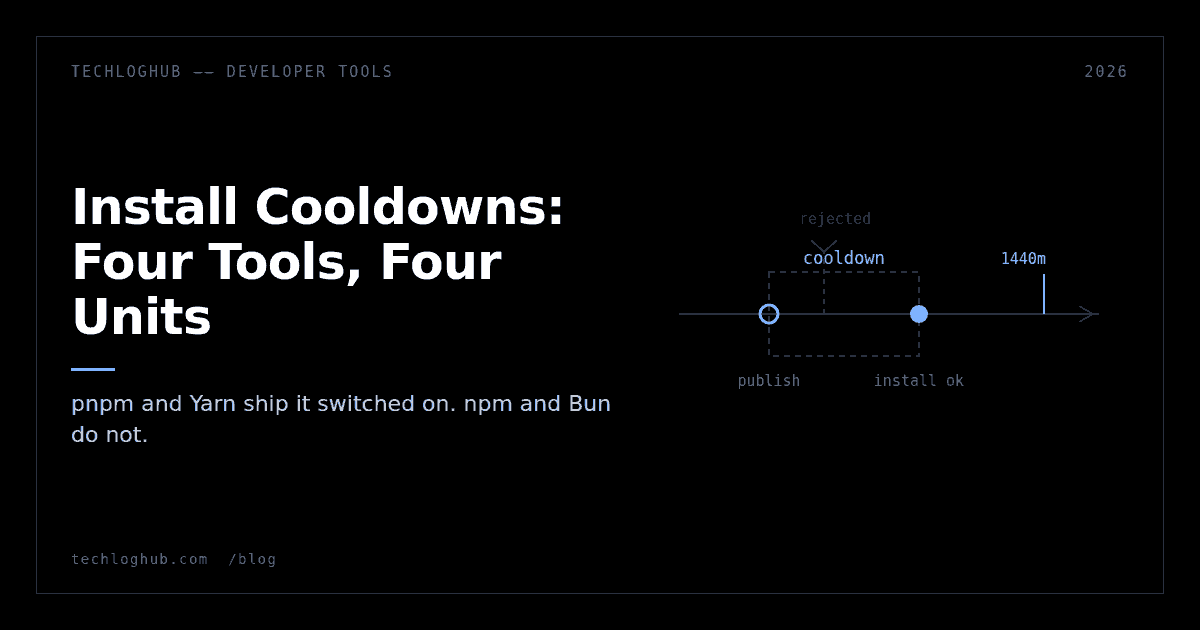
Install Cooldowns: Four Tools, Four Unit Systems
Quick answer: npm, pnpm, Yarn and Bun all ship a setting that refuses package versions published too recently. pnpm and Yarn enable it by default, at 1440 minutes and one week respectively. npm and Bun ship it unset. The four tools measure the same delay in days, minutes, a duration string and seconds, which is the single most likely way you will misconfigure this. And none of them stop install-time lifecycle scripts, which is what the attacks actually use.
A compromised package is only dangerous while nobody has noticed it. The window between a malicious publish and the registry pulling it is usually measured in hours. An install cooldown is the crudest possible defence against that window: refuse to resolve any version that is younger than N, and let someone else be the one who finds out.
Every major JavaScript package manager now has one. They do not agree on what to call it, where to put it, what unit it takes, or whether it should be on.
Two of the four are already on
This is the fact that changes behaviour, so it goes first. pnpm's minimumReleaseAge was added in v10.16.0 with a default of 0. As of pnpm 11 the default is 1440 minutes — twenty-four hours. If you upgraded a monorepo to pnpm 11 and did not read the changelog, your installs already refuse anything published in the last day.
That is mostly good and occasionally infuriating. The infuriating case is publishing a package and immediately trying to consume it in a sibling repo. You get a resolution error, not a helpful message about a cooldown, and you lose twenty minutes before the penny drops.
Yarn is the other one that ships enabled, and it is stricter: npmMinimalAgeGate documents a default of "1w". A full week behind the registry is a real posture, not a token one, and most Yarn users have no idea they are running it.
npm and Bun leave theirs unset. Nothing changes for you until you go and turn it on, which means a large share of CI pipelines running today have no cooldown at all while the people running them believe otherwise, because they read a headline about the ecosystem shipping a fix.
The four keys, and the unit trap
Here is the whole surface in one place. Read the unit column twice.
| Tool | Key | Unit | File | Default |
|---|---|---|---|---|
| npm | min-release-age | days | .npmrc | null |
| pnpm | minimumReleaseAge | minutes | pnpm-workspace.yaml | 1440 (v11+) |
| Yarn | npmMinimalAgeGate | duration string | .yarnrc.yml | "1w" |
| Bun | install.minimumReleaseAge | seconds | bunfig.toml | null |
The spread between npm's days and Bun's seconds is a factor of 86,400. Writing minimumReleaseAge = 3 into a bunfig.toml because you were thinking in npm days gives you a three-second cooldown, which is indistinguishable from no cooldown and will never fail loudly enough for you to notice.
Yarn's npmMinimalAgeGate is the friendliest of the four because it takes a duration string rather than a raw number, so "1w" cannot be misread as anything else. Yarn's own documentation gives a second reason to want the gate that has nothing to do with attacks: the npm registry has specific unpublish rules for packages less than 72 hours old, so a very fresh version can simply vanish from under your lockfile.
If you are editing pnpm-workspace.yaml by hand and want to sanity-check the shape before committing it, our YAML to JSON converter will tell you in one paste whether you have written a nested key where a top-level one belongs.
Escape hatches
All four give you a way out for packages you control. pnpm's minimumReleaseAgeExclude is the most expressive: it takes bare names, scope globs like @myorg/*, exact pins like [email protected], and ranges. Bun has install.minimumReleaseAgeExcludes, a flat array of names. npm has min-release-age-exclude. Yarn handles it through npmPreapprovedPackages, which exempts a package from its gates generally rather than from this gate specifically.
pnpm 11 also added two settings that decide what happens at the edges. minimumReleaseAgeStrict controls whether pnpm fails outright or falls back when no version in the requested range is old enough; it defaults to true once you have set the age explicitly. minimumReleaseAgeIgnoreMissingTime decides what to do when registry metadata has no publish timestamp at all, and defaults to letting it through. That second default is worth knowing about if you run a private registry whose metadata is thin — the gate quietly does nothing there.
Your updater has its own clock
The package manager's cooldown runs at install time. It does not stop a bot from opening a pull request that bumps a lockfile to a version published eleven minutes ago. Whether that PR is mergeable then depends on a completely separate setting.
Renovate uses the same name for a different mechanism. Its minimumReleaseAge takes a duration like "14 days" and attaches a pending status check to the branch until the version is old enough, at which point the check flips to passing. It waits per version, not per package, so a package that releases daily still gets through — just always fourteen days behind. Security updates bypass the wait entirely, which is the correct trade-off and also the exact path an attacker would most like to use.
Dependabot calls it cooldown and measures it in days, with separate semver-major-days, semver-minor-days and semver-patch-days knobs and a default-days that falls back to 3. The include and exclude lists cap at 150 entries each and exclude wins on a conflict. Like Renovate, it applies to version updates only, not security updates.
What a cooldown does not buy you
Be clear about the shape of this control. It delays exposure. It does not remove it.
It does nothing about install-time lifecycle scripts, which are the actual delivery mechanism in most registry compromises. A postinstall hook runs arbitrary shell against a checkout with credentials in the environment, and a version that is eight days old runs it just as happily as one that is eight minutes old. Cooldowns and script-blocking are two separate settings and you want both.
It also evaporates silently in three situations. If your repo pins an older package manager through packageManager in package.json, a config key that version does not recognise is inert. If your internal packages come from a private registry, they are subject to the same delay as everything else unless you exclude them by hand — and npm's exclusion list is the least flexible of the four. And if the registry metadata has no publish time, several implementations let the version through by default rather than rejecting it.
Treat it as one layer. The layer underneath it is not publishing with long-lived credentials in the first place, which is what npm's move to trusted publishing is for, and the layer above it is knowing what is in your tree at all.
A setup that survives a monorepo
The configuration that causes the fewest arguments, in our experience with multi-package repos:
Set the gate at the package manager, not only at the updater. The updater covers the PRs you expected. The package manager covers a developer running an install on a branch at 2am. Twenty-four hours is enough to catch the loud compromises; seven days is enough to be annoying about it and is what Yarn picked as its default.
Exclude your own scope explicitly, not your whole registry. @yourorg/* in the exclusion list keeps internal release-and-consume loops fast without punching a hole for everything hosted alongside them.
Pin the package manager version in packageManager and keep it current. Otherwise the setting is a comment. This is the failure mode nobody catches, because a config key that does nothing looks exactly like a config key that works.
Write the unit into the comment above the line. # 1440 minutes = 24h costs nothing and prevents the one mistake this whole feature invites. If you are auditing the rest of your build and release surface while you are in there, the cloud and DevOps category on TechLogHub is where the CI and artifact tooling lives, and security and privacy covers the scanning side.
FAQ
Does pnpm 11 enable a cooldown without me doing anything?
Yes. pnpm's documented default for minimumReleaseAge is 1440 minutes from v11 onward, where it was 0 before. Upgrading the package manager changes install behaviour on its own.
What unit does each package manager use?
npm's min-release-age is in days, pnpm's minimumReleaseAge is in minutes, Yarn's npmMinimalAgeGate takes a duration string such as "1w", and Bun's install.minimumReleaseAge is in seconds. They are not interchangeable numbers. pnpm defaults to 1440 and Yarn to one week; npm and Bun default to unset.
Does a cooldown stop malicious postinstall scripts?
No. It only controls which versions are eligible to resolve. Once a version passes the age check it installs normally and its lifecycle scripts run. Blocking or allowlisting install scripts is a separate control.
Do Renovate and Dependabot respect the package manager setting?
They have their own. Renovate uses minimumReleaseAge with a pending status check; Dependabot uses a cooldown block with per-semver day counts. Both skip the wait for security updates, so configure the package manager as well.
Will a cooldown break publishing and immediately consuming my own package?
Yes, unless you exclude it. Add your scope to minimumReleaseAgeExclude, min-release-age-exclude, minimumReleaseAgeExcludes or npmPreapprovedPackages depending on the tool. Comparing how the four handle this is a good exercise in evaluating developer tools on behaviour rather than marketing.
What should I set it to?
24 hours if you ship daily and care about friction, 7 days if you can tolerate being behind. There is no published study establishing an optimal number; the ecosystem defaults of 1440 minutes and one week are informed guesses, and so is yours.
Browse the registries, scanners and CI tooling that sit around this problem in the developer tools directory, or see what the maintained alternatives look like in open source.