



SwiftShrink
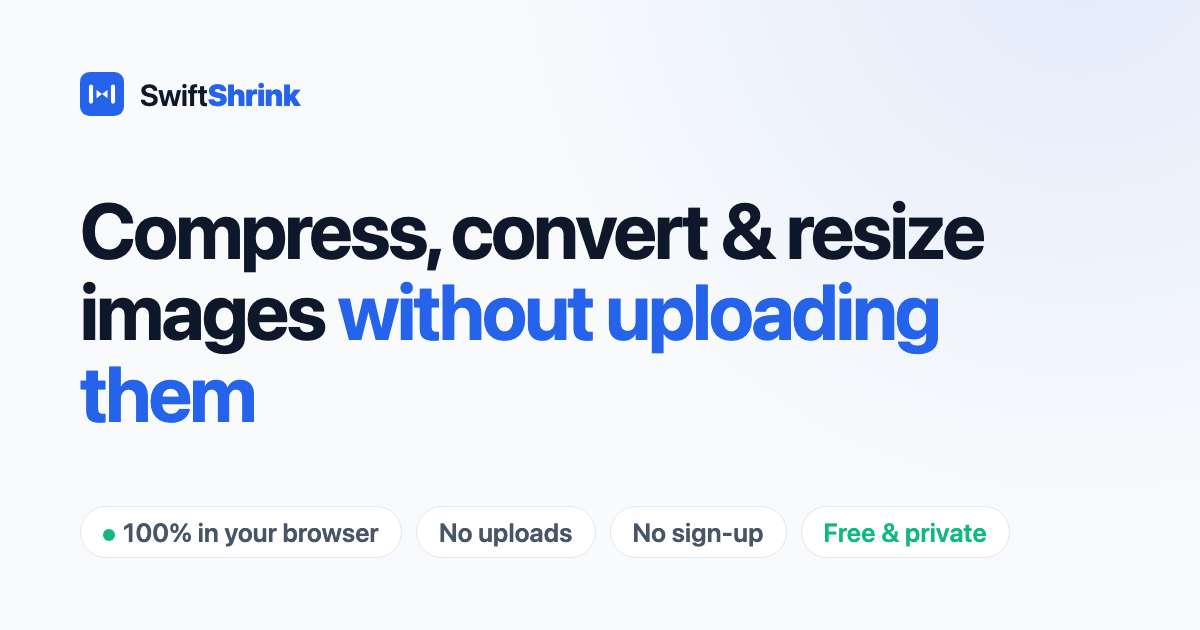
A free, private, browser-based image compressor that shrinks photos to a specific target size (like 100 KB) without any uploads.
About SwiftShrink
Fast and Private Image Compression in Your Browser
SwiftShrink provides a seamless way to shrink your photos without compromising your privacy. By utilizing the Canvas API, every operation happens locally on your device. This means your files are never uploaded to a server, ensuring that your images remain completely private and secure.
Why Choose SwiftShrink?
Many platforms require specific file size limits for uploads, such as 100 KB for ID photos or document attachments. SwiftShrink helps you meet these requirements instantly without the hassle of sign-ups or watermarks.
- Privacy First: No files are ever uploaded; processing is 100% in-browser.
- Instant Processing: No waiting for uploads or server-side processing.
- No Limits: No account required, no watermarks, and no file size caps imposed by a server. igure>
- Wide Format Support: Supports JPG, PNG, WebP, AVIF, and HEIC.
- Smart Compression: Automatically finds the best quality for your target size using binary search.
- Bulk Actions: Process multiple images at once and download them individually or as a batch.
How It Works
Getting your images ready for upload is simple with our three-step process:
- Drag and Drop: Upload your photos into the tool's box or browse your device to select files.
- Set Target Size: Choose a target size (e.g., 100 KB) or type in a custom number.
- Download Results: View the before and after sizes, then download your compressed images one at a time or all together.
Additional Image Tools
SwiftShrink also offers specialized tools for common image tasks:
- HEIC to JPG Conversion: Convert iPhone photos to universal formats.
- Format Conversions: Convert PNG or JPG to WebP for better web performance. ext-content>
- Resize Tool: Scale images to standard dimensions like 1920x1080 while maintaining aspect ratio.
Value & Audience
Value Proposition
Compress images to a specific target size (like 100 KB) instantly and privately in your browser without any uploads.
Problem Solved
Solves the problem of meeting strict file size limits for job portals, government forms, and website uploads while maintaining privacy and image quality.
Target Audience
Use Cases
Tech Stack
Frontend
Loading ratings...
Loading comments...
Gallery
Feedback & Roadmap
SwiftShrink FAQ
Common questions about SwiftShrink's features, pricing, and use cases
Is SwiftShrink free to use?
SwiftShrink offers a free tier.
What are some alternatives to SwiftShrink?
Popular Design & Creative alternatives to SwiftShrink include Magic Eraser, Vipeak AI and Free Online Lorem Ipsum Generator.
SwiftShrink appears in
You May Also Like
View all alternatives to SwiftShrinkMagic Eraser
An AI-powered tool to remove unwanted objects, people, text, and watermarks from images seamlessly in seconds.
View ProductVipeak AI
An AI-powered character video generator that allows users to create high-quality animations from images, text prompts, and reference content.
View Product
Free Online Lorem Ipsum Generator
Generate custom Lorem Ipsum placeholder text instantly with advanced options like character counting, HTML tags, and various styles.
View Product
NanoScene AI
A powerful AI image generator that allows users to create, edit, upscale, and maintain character consistency in high-quality visuals.
View ProductOne email a week
TechLogHub tracks 704 tools and 568 open-source projects. Get the week's new launches, release roundups and open-source picks — nothing else.
Get the TechLogHub digest
One email a week: new and trending developer tools, fresh comparisons, and what shipped. Unsubscribe in one click.