


Afterimage
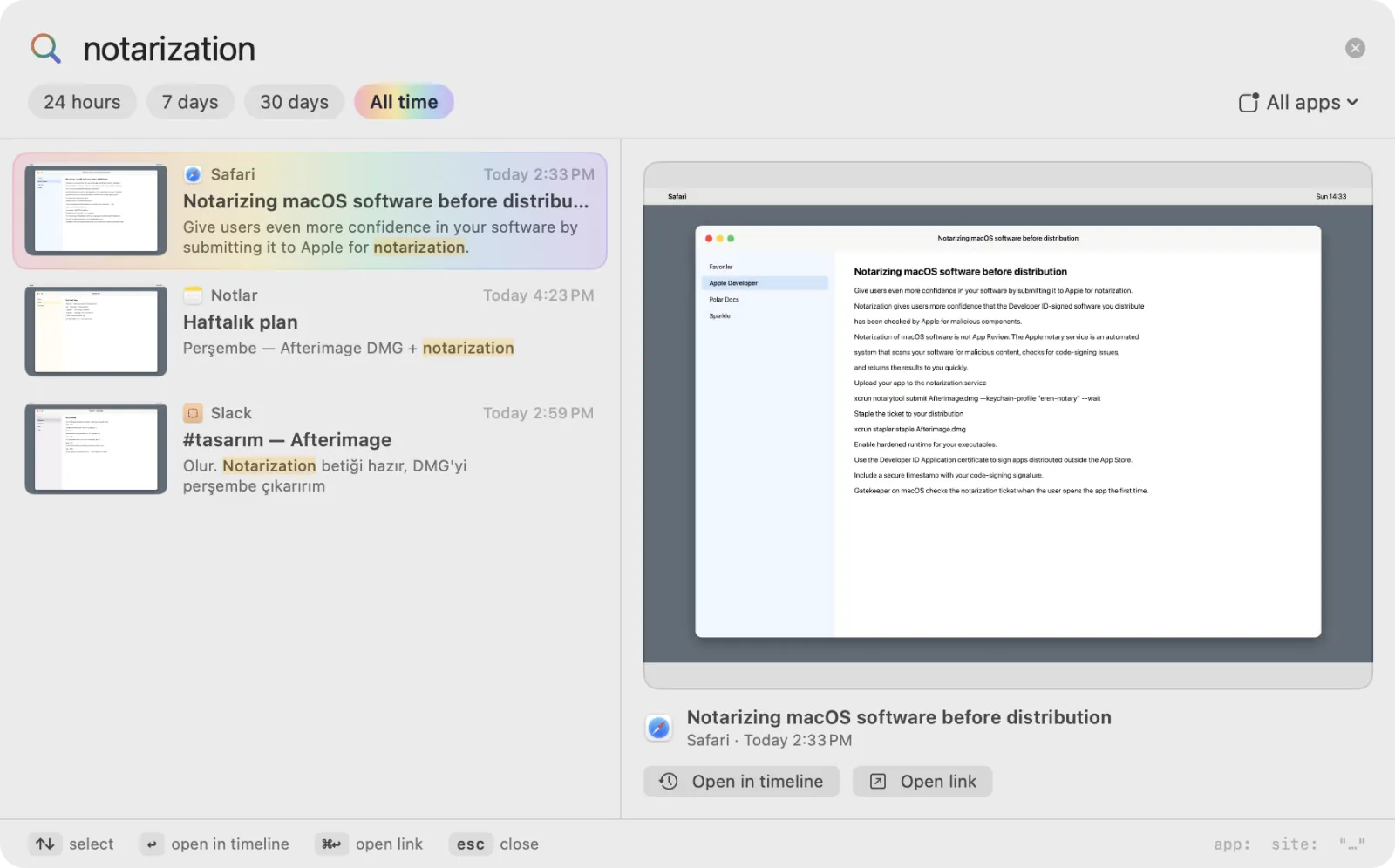
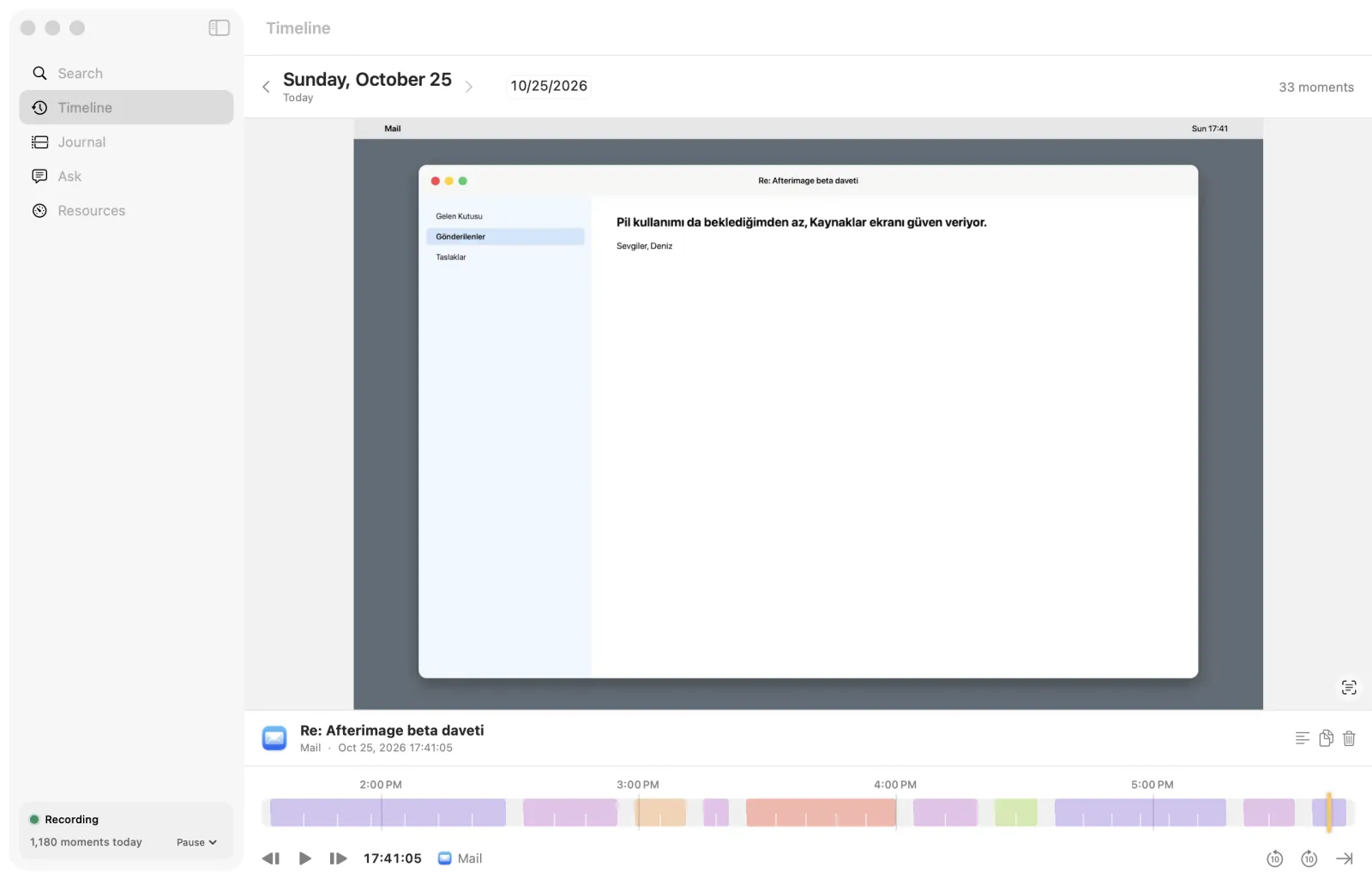
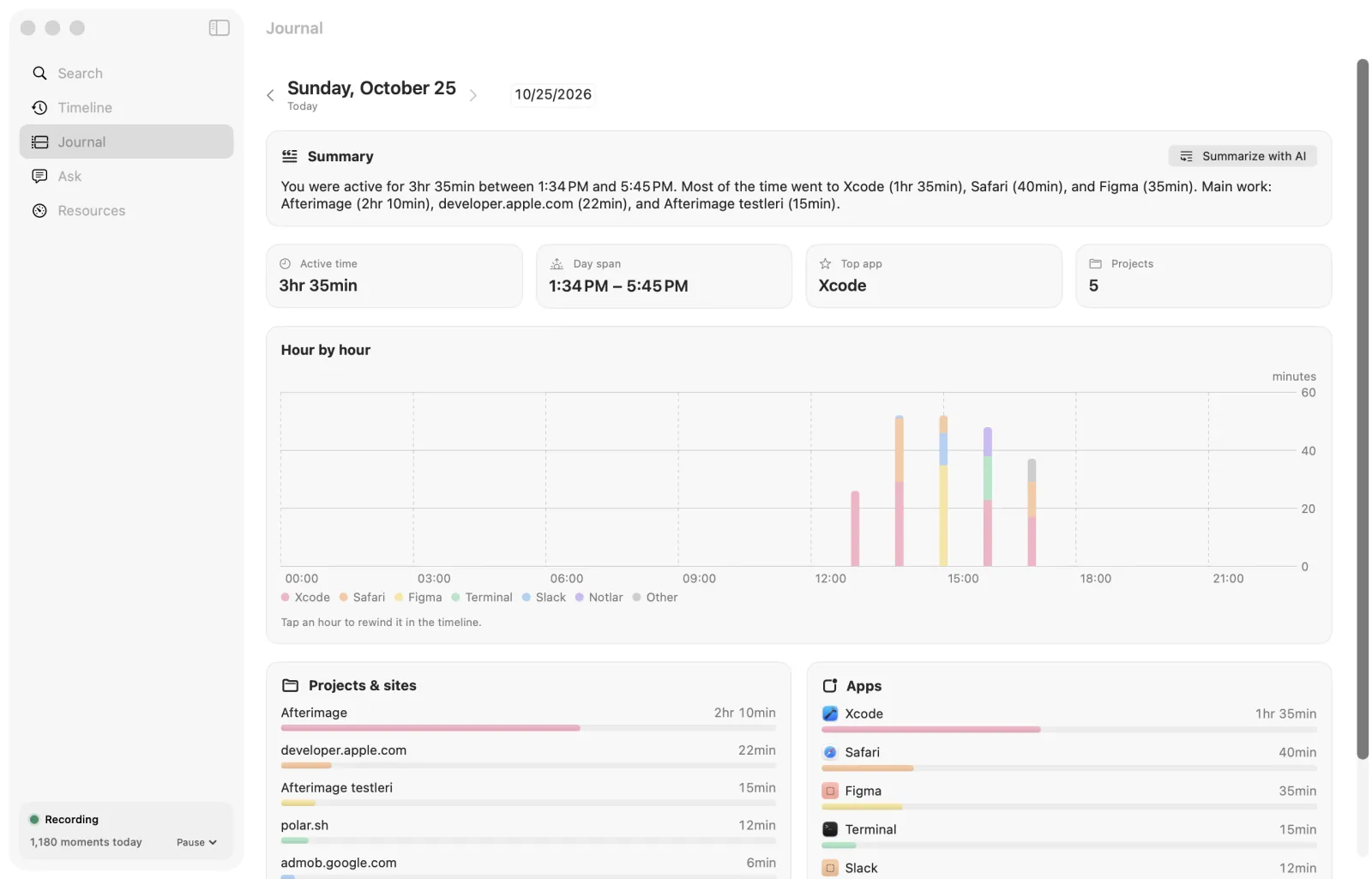
Afterimage finds anything you've seen on your Mac's screen in seconds, and the recordings never leave your Mac.
About Afterimage
Value & Audience
Value Proposition
Find anything you've seen on your Mac in seconds, with everything staying on your Mac.
Problem Solved
You can't remember where you saw a word, ID, link or message on your screen.
Target Audience
Use Cases
Loading ratings...
Loading comments...
Gallery
Feedback & Roadmap
Afterimage FAQ
Common questions about Afterimage's features, pricing, and use cases
Is Afterimage free to use?
No. Afterimage is a paid product, starting at $14.99 one-time (30-day free trial).
What are some alternatives to Afterimage?
Popular Productivity & Collaboration alternatives to Afterimage include Dly- ToDo List & Habit Tracker, Active Now and The Conversion Atlas.
Afterimage appears in
You May Also Like
View all alternatives to AfterimageDly- ToDo List & Habit Tracker
A privacy-focused daily task planner, to-do list, and habit tracker that works completely offline with no account required.
View Product
Active Now
Menu bar and system tray app that keeps Teams, Slack, Discord, Zoom, and other workplace apps showing active while you work or take short breaks.
View Product
The Conversion Atlas
A calm, clutter-free online unit converter for length, weight, temperature, volume, speed, and 674+ other conversions.
View ProductStoreProof
Manage receipts, warranties, and purchase proofs across your Apple devices with private iCloud sync.
View ProductOne email a week
TechLogHub tracks 710 tools and 568 open-source projects. Get the week's new launches, release roundups and open-source picks — nothing else.
Get the TechLogHub digest
One email a week: new and trending developer tools, fresh comparisons, and what shipped. Unsubscribe in one click.