


TalkPilot
A voice-first productivity tool that automatically routes and classifies spoken thoughts into tasks, notes, and calendar events across your favorite apps.
About TalkPilot
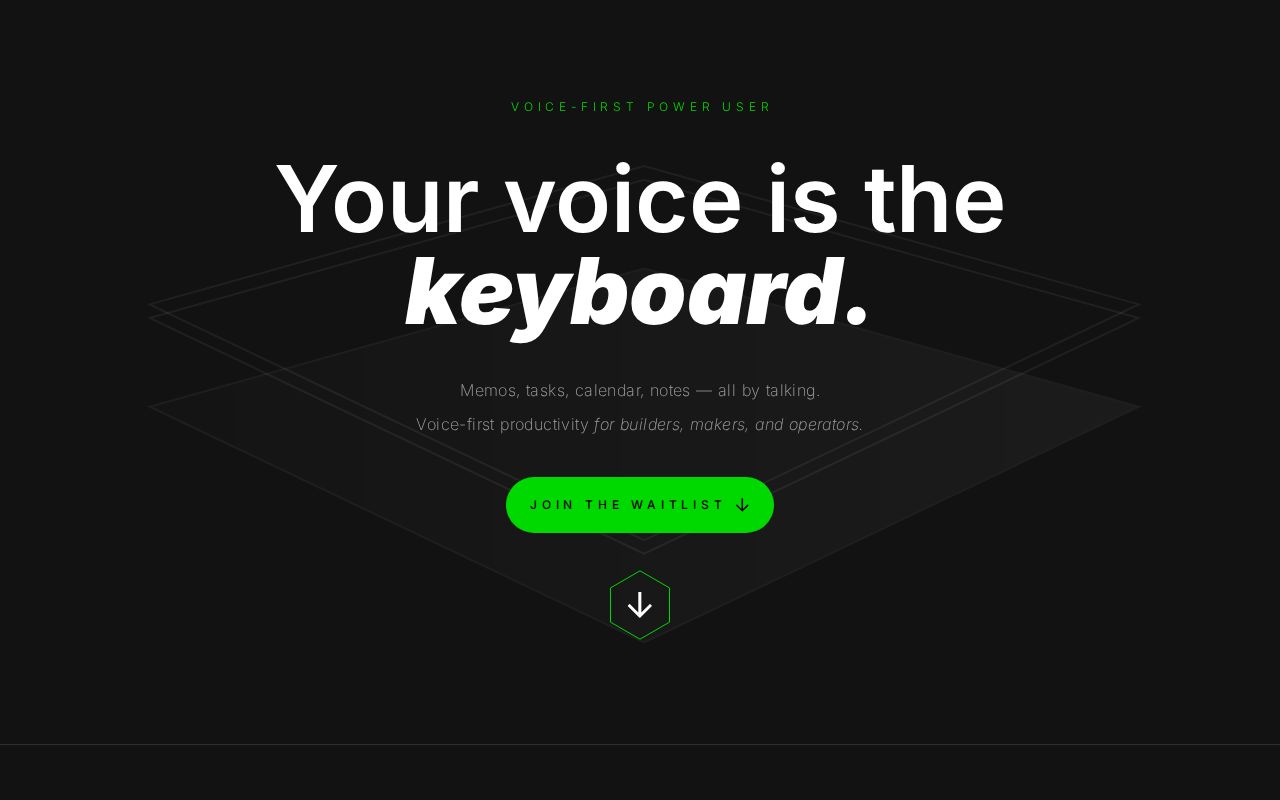
TalkPilot: Your Voice is the Keyboard
TalkPilot is a voice-first power user tool designed for builders, makers, and operators who want to capture ideas and manage their workflows without the friction of typing. It transforms your spoken thoughts into organized actions across your favorite productivity apps.
The problem with current voice assistants like Siri can be frustratingly limited. They can set timers but they don't understand context or your specific workflow. You might think out loud, hear an idea, and then have to re-type everything into Notion or let voice memos pile up and never get back to them. TalkPilot changes this by making your voice the keyboard.
Key Features & Benefits
TalkPilot provides a high-efficiency workflow for capturing thoughts and information:
- Auto-routing: Automatically routes what you say to where it belongs.
- Auto-classification: Automatically classifies what you say based on context.
- Stack Integration: Connects with Notion, Todoist, Calendar, and Linear.
- Connection Efficiency: Speak once; the information lands in the right place automatically.
- Phone-first & Background Ready: Designed to be used while walking, driving, or even in the shower.
- Alternative to Voice Memos: No more letting voice memos pile up without ever being reviewed.
- High Output: Turn 30 seconds of talk into 10 organized items.
- Lifetime Pricing: The first 100 users who join the waitlist will receive lifetime pricing.
How it Works
TalkPilot and your productivity stack are seamlessly integrated to streamline your workflow:
- Speak naturally: Start talking about your tasks, notes, and calendar events.
- Contextual Analysis: The system automatically classifies the context of what you say.
- Auto-routing: The system routes the information to your connected apps (Notion, Todoist, etc.).
- Organized Output: Your spoken thoughts land in the right place instantly without manual entry.
Why Choose TalkPilot
Transition from a simple voice assistant that only sets timers but doesn't understand your context. Move away from the piling up of voice memos and the value lost ideas during walking, driving, or showering. TalkPilot is built by an indie maker who got tired of typing the same things over and over again.
Join the waitlist today to reserve your spot and be among the first 100 users to get lifetime pricing. Coming Q3 2026.
Value & Audience
Value Proposition
Turn your voice into a keyboard that automatically routes and classifies spoken thoughts into tasks, notes, and calendar events.
Problem Solved
Eliminates the friction of typing repetitive information and prevents valuable ideas from being lost in unorganized voice memos or ignored by context-blind assistants.
Target Audience
Social & Links
Loading ratings...
Loading comments...
Gallery
Feedback & Roadmap
TalkPilot FAQ
Common questions about TalkPilot's features, pricing, and use cases
Is TalkPilot free to use?
TalkPilot is a paid product, starting at First 100 users get lifetime pricing (Waitlist required).
What are some alternatives to TalkPilot?
Popular Productivity & Collaboration alternatives to TalkPilot include Dly- ToDo List & Habit Tracker, Active Now and The Conversion Atlas.
TalkPilot appears in
You May Also Like
View all alternatives to TalkPilotDly- ToDo List & Habit Tracker
A privacy-focused daily task planner, to-do list, and habit tracker that works completely offline with no account required.
View Product
Active Now
Menu bar and system tray app that keeps Teams, Slack, Discord, Zoom, and other workplace apps showing active while you work or take short breaks.
View Product
The Conversion Atlas
A calm, clutter-free online unit converter for length, weight, temperature, volume, speed, and 674+ other conversions.
View ProductStoreProof
Manage receipts, warranties, and purchase proofs across your Apple devices with private iCloud sync.
View ProductOne email a week
TechLogHub tracks 704 tools and 568 open-source projects. Get the week's new launches, release roundups and open-source picks — nothing else.
Get the TechLogHub digest
One email a week: new and trending developer tools, fresh comparisons, and what shipped. Unsubscribe in one click.