



RiverScript
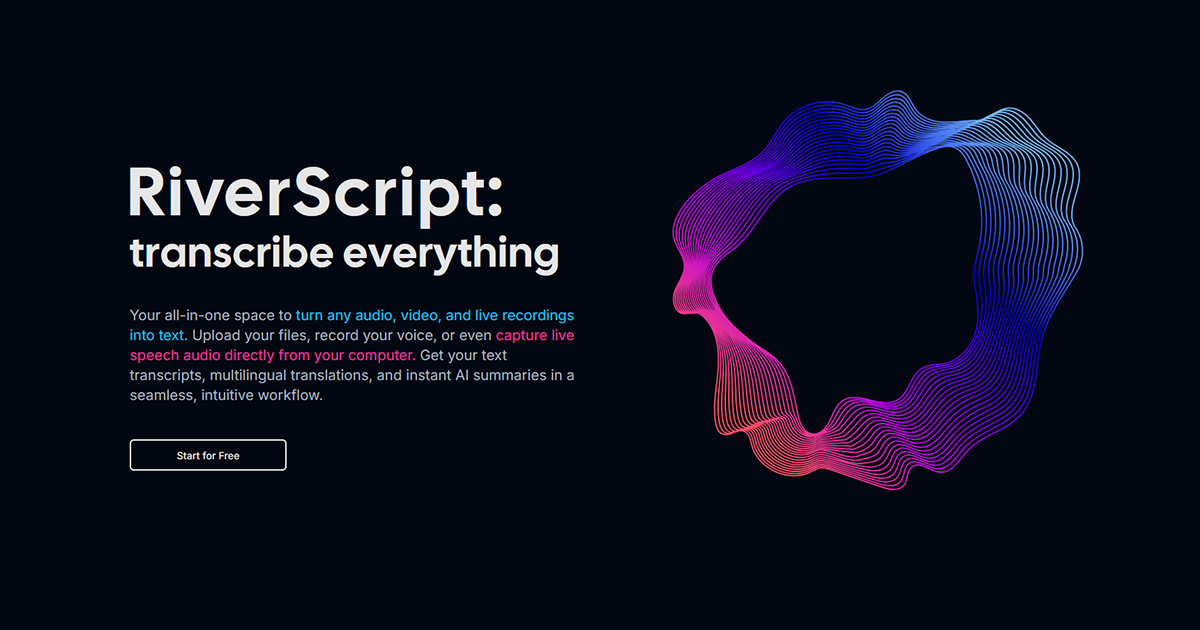
An all-in-one AI audio and video transcription platform that converts live recordings, files, and webinars into text with summaries and translations.
About RiverScript
All-in-One Transcription Workspace
RiverScript provides a seamless, intuitive workflow to turn any audio, video, and live recordings into text. Whether you are uploading files, recording voice notes, or capturing live speech directly from your computer, RiverScript handles the heavy lifting with top-tier AI models.
Streamlined Workflow
Experience a complete transcription workflow in one place:
- Upload or Record Media: Upload audio/video files (up to 50GB), record voice notes, or capture live system audio from webinars, calls, and videos without extra permissions.
- Transcribe in One-Click: Choose between plain text for clean transcripts or timed subtitles for your video content using advanced AI models like OpenAI Whisper v3 and Deepgram Nova-2.
- Edit & Listen in Sync: Use the interactive editor to click any timecode to jump to that moment in the audio while editing with speaker recognition and color-coded labels.
- Go Beyond Transcription: Translate your content into dozens of languages, generate AI summaries, or chat directly with your transcripts. Export to PDF, DOCX, or SRT formats.
Tailored for Every Need
RiverScript is designed to meet the specific requirements of different users:
- Students: Record lectures and webinars directly from your screen with a desktop client. Get AI summaries and study notes in a few clicks, including multilingual support for international studies. bsp;
- Content Creators: Generate professional SRT/VTT subtitles for YouTube and Shorts. The desktop app handles heavy files up to 50GB lightning-fast for high-quality production. bsp;
- Professionals: Access Premium Enterprise-level AI models for the highest accuracy on the market, perfect for long interviews or client meetings with doctors, lawyers, and journalists. bsp;
Powerful Features & Privacy
RiverScript offers a complete ecosystem of tools including a built-in editor, interactive player, and secure cloud storage. Your data is kept safe on servers based in Helsinki, Finland.
- Live Recording: One-click capture of all audio from your PC or Mac. bsp;
- Multilingual Support: Transcribe in multiple languages and translate into dozens of others. bsp;
- Desktop Client: High-performance processing for heavy video files up to 50GB. bsp;
- Referral Program: Share and earn free transcription hours and AI credits. bsp;
Value & Audience
Value Proposition
A complete, all-in-one workspace to turn any audio, video, and live recordings into text with summaries, translations, and interactive editing.
Problem Solved
Eliminates the need for multiple apps by providing a unified space for recording, transcribing, capturing system audio, and managing transcripts with AI tools like summarization and translation.
Target Audience
Tech Stack
Loading ratings...
Loading comments...
Gallery
Feedback & Roadmap
RiverScript FAQ
Common questions about RiverScript's features, pricing, and use cases
Is RiverScript free to use?
RiverScript offers a free tier. Plans listed: Free start: $0 per month. Includes 1 media hour / month, Standard Sync Model (OpenAI Whisper v3 + Deepgram Nova-2), and 25 AI Credits.; Pro plan: $14 per month (annually). Includes 20 media hours / month, Standard Sync Model, 500 AI credits, and always processed first priority.; Premium plan: $28 per month (annually). Includes 20 media hours / month, Premium Sync Model (ElevenLabs Scribe v2 + Deepgram Nova-3), speaker diarization, and 1000 AI credits..
What are some alternatives to RiverScript?
Popular AI & Machine Learning alternatives to RiverScript include Recon Report AI, LYKN and Voca AI.
RiverScript appears in
You May Also Like
View all alternatives to RiverScriptRecon Report AI
AI-powered reconnaissance reporting tool that generates professional, downloadable PDF reports from open-source business, domain, and infrastructure intelligence.
View Product
LYKN
Personal AI intelligence layer that remembers your ideas, preferences, projects, and workflows to make AI responses more context-aware.
View Product
Voca AI
A next-gen AI browser extension that acts as a free Grammarly alternative, providing real-time grammar correction, tone adjustment, and multi-language chat translation.
View Product
Playmix.ai
AI game maker. Got a game idea? Just describe it and start playing in seconds. Create game-ready art and animated sprite sheets in any style. Browse and play community games. Share your games with friends.
View ProductOne email a week
TechLogHub tracks 704 tools and 568 open-source projects. Get the week's new launches, release roundups and open-source picks — nothing else.
Get the TechLogHub digest
One email a week: new and trending developer tools, fresh comparisons, and what shipped. Unsubscribe in one click.