

Pake
Pake: Turn any webpage into a desktop app with one command

Pake is a groundbreaking tool designed to turn any webpage into a desktop application with a single command. Built on the fast and memory-friendly Rust-based Tauri framework, Pake delivers a lightweight, secure, and highly customizable wrapper for your favorite sites. It targets macOS, Windows, and Linux, offering a streamlined workflow that cuts the traditional friction of app packaging down to a single click or one CLI line.
In a landscape where Electron-based apps can be bulky and resource-hungry, Pake stands out by combining efficiency, speed, and simplicity. It’s the answer for developers, designers, and power users who want a native-feeling app experience without wrestling with complex build systems or heavy runtimes. This guide walks you through what Pake offers, how to get started, popular packages you can try, and how to contribute to the project.
What makes Pake different?
Pake delivers a unique blend of traits that make it appealing for a broad audience:
- Lightweight and compact: Nearly 20 times smaller than typical Electron packages, often around 5 MB. This reduces download sizes and memory footprints while preserving feature parity.
- Fast and efficient: Built with Rust and the Tauri framework, Pake is designed for lower memory usage and faster execution compared to traditional JS-heavy wrappers.
- Ultra-easy to use: One-command packaging via CLI or online building—no heavy configuration files or convoluted setup required.
- Feature-rich and flexible: Supports keyboard shortcuts, immersive windows, drag-and-drop, style customization, and even ad removal to tailor the experience.
To get a quick visual sense of the project and branding, you’ll see the logo at the top of this page, and ongoing project visuals throughout the release notes and examples.
[Note: The Pake project has a dynamic ecosystem of packages and examples you can explore as you read.]
Getting Started
Pake is designed for a broad audience, so the onboarding path is intentionally flexible. Depending on your needs, you can jump into ready-made experiences, or dive into development and customization.
For Beginners
- Ready-made popular packages: You can download pre-packaged apps that have already been wrapped with Pake. These serve as quick-start examples of what Pake can do for common web apps.
- Online building: If you don’t want to install anything yet, you can start with online building workflows. This path lets you create a packaged app right from the online interface, without setting up a local environment. It’s ideal for experimenting with packaging options and seeing immediate results.
For Developers
- CLI Tool: Install the Pake CLI to package any website with one command. You can customize icons, window settings, and more, all from the command line.
- One-command packaging: The core promise of Pake is that a single command can take a URL and produce a desktop app, with optional icons, sizes, and window options.
- Documentation: The CLI Usage Guide provides everything you need to know about parameters, customization options, and advanced scenarios.
- Online building as alternative: If you prefer not to install locally, online building provides a convenient path to building packages in the cloud.
For Advanced Users
- Local development: Clone the project to customize styling, add features, or extend packaging capabilities.
- Advanced usage: Explore role-based style customizations, container communications, and other advanced features described in the docs.
- Troubleshooting and FAQs: A structured FAQ helps you resolve common issues quickly.
Popular Packages (Overview)
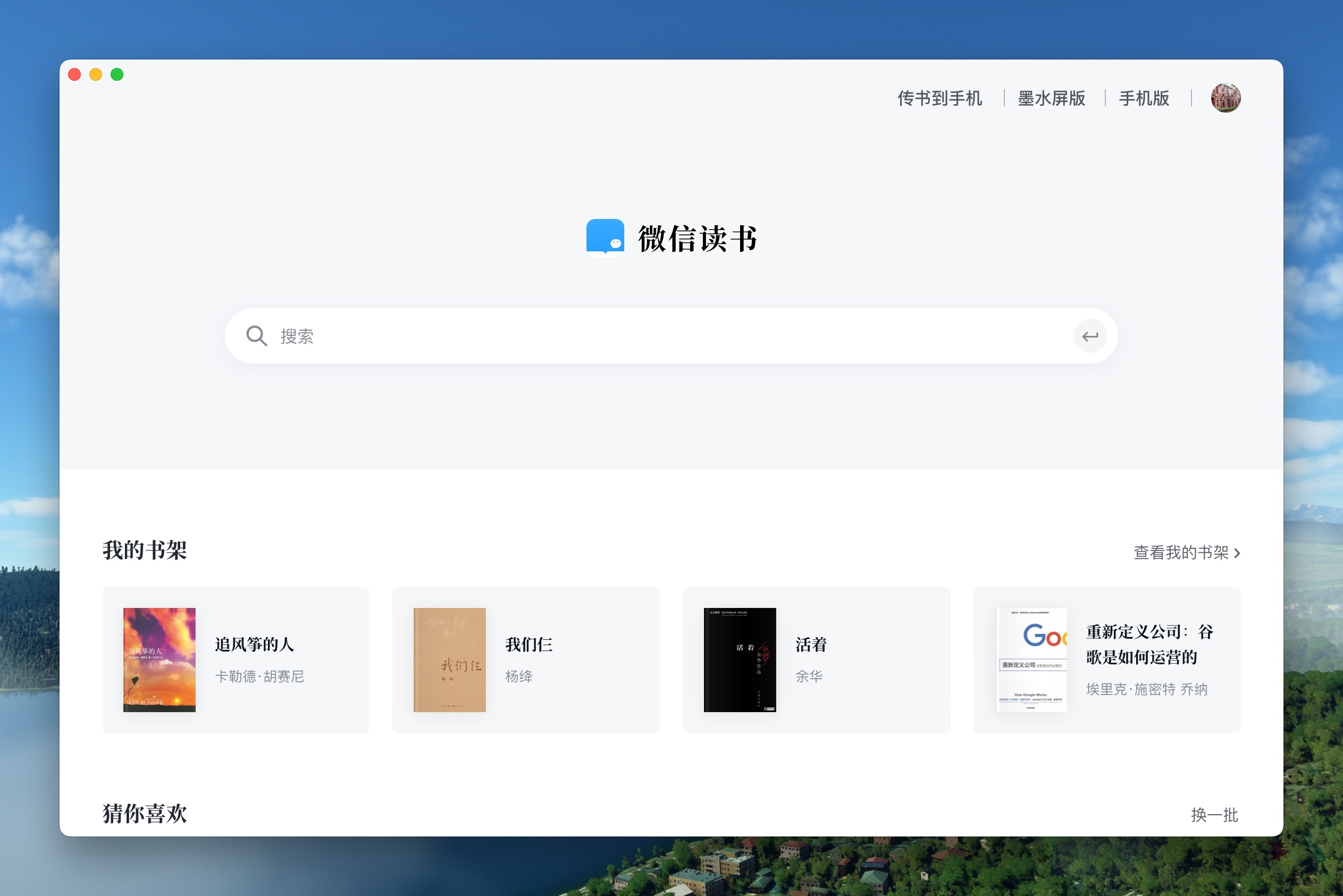
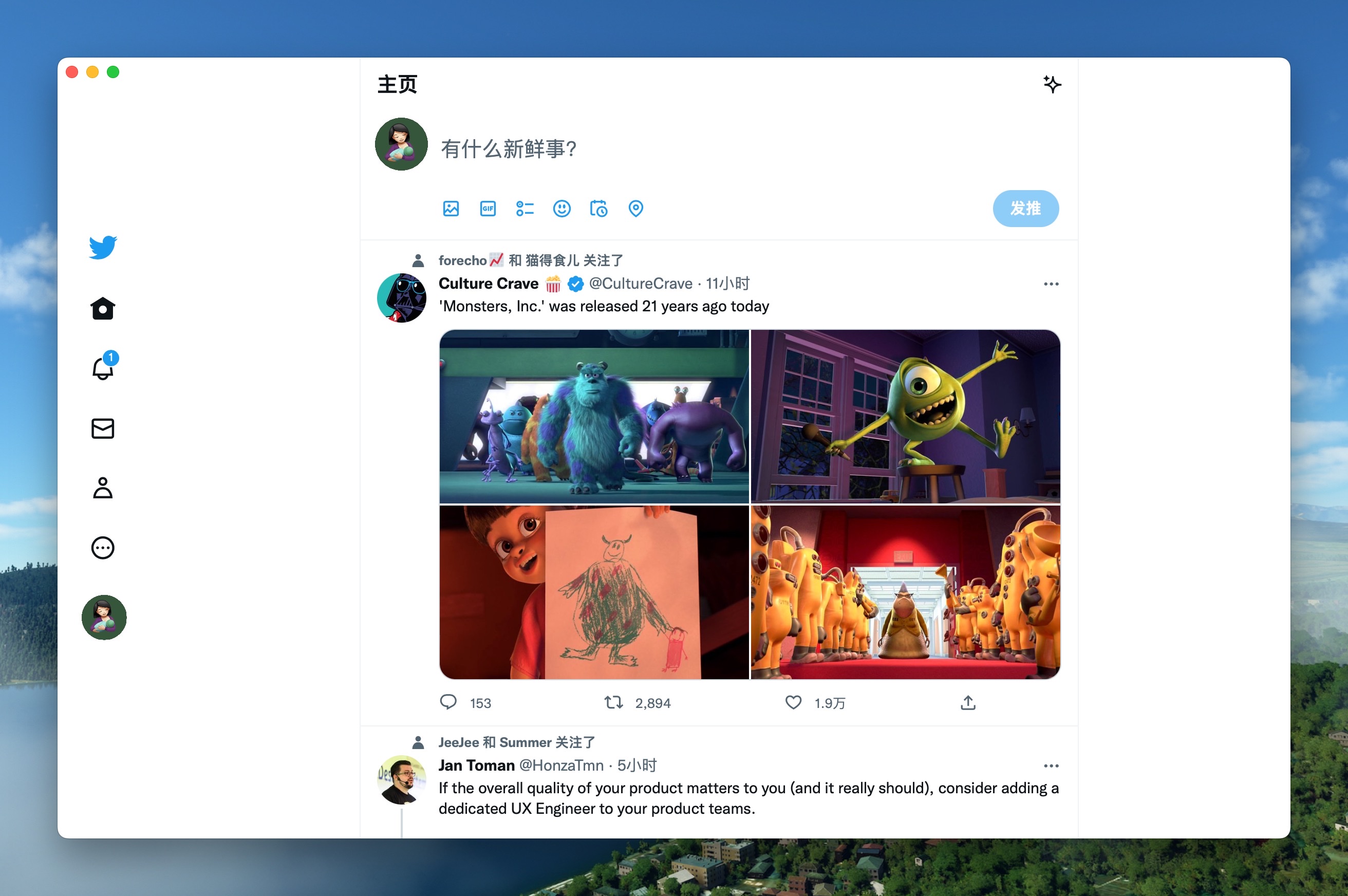
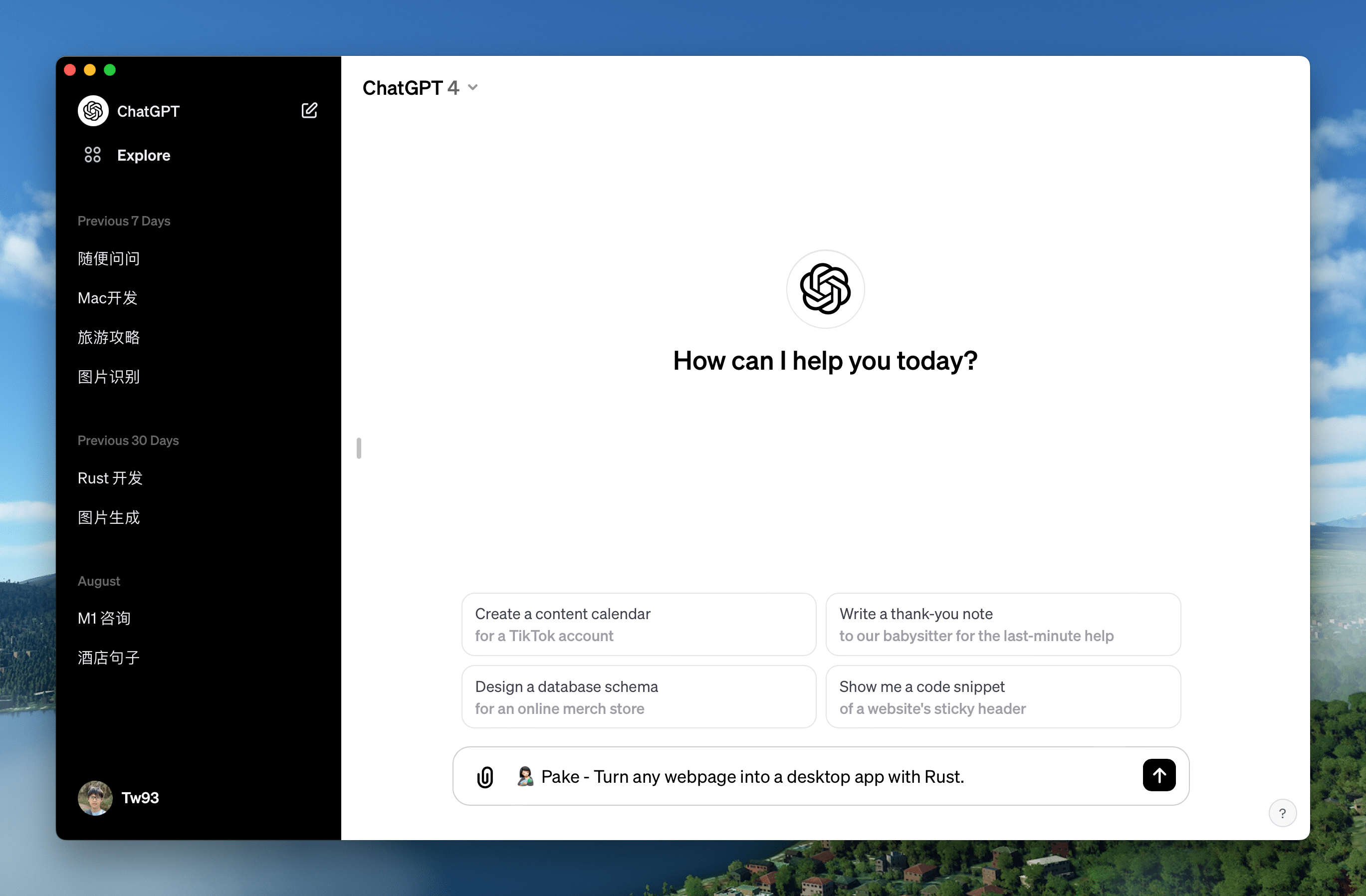
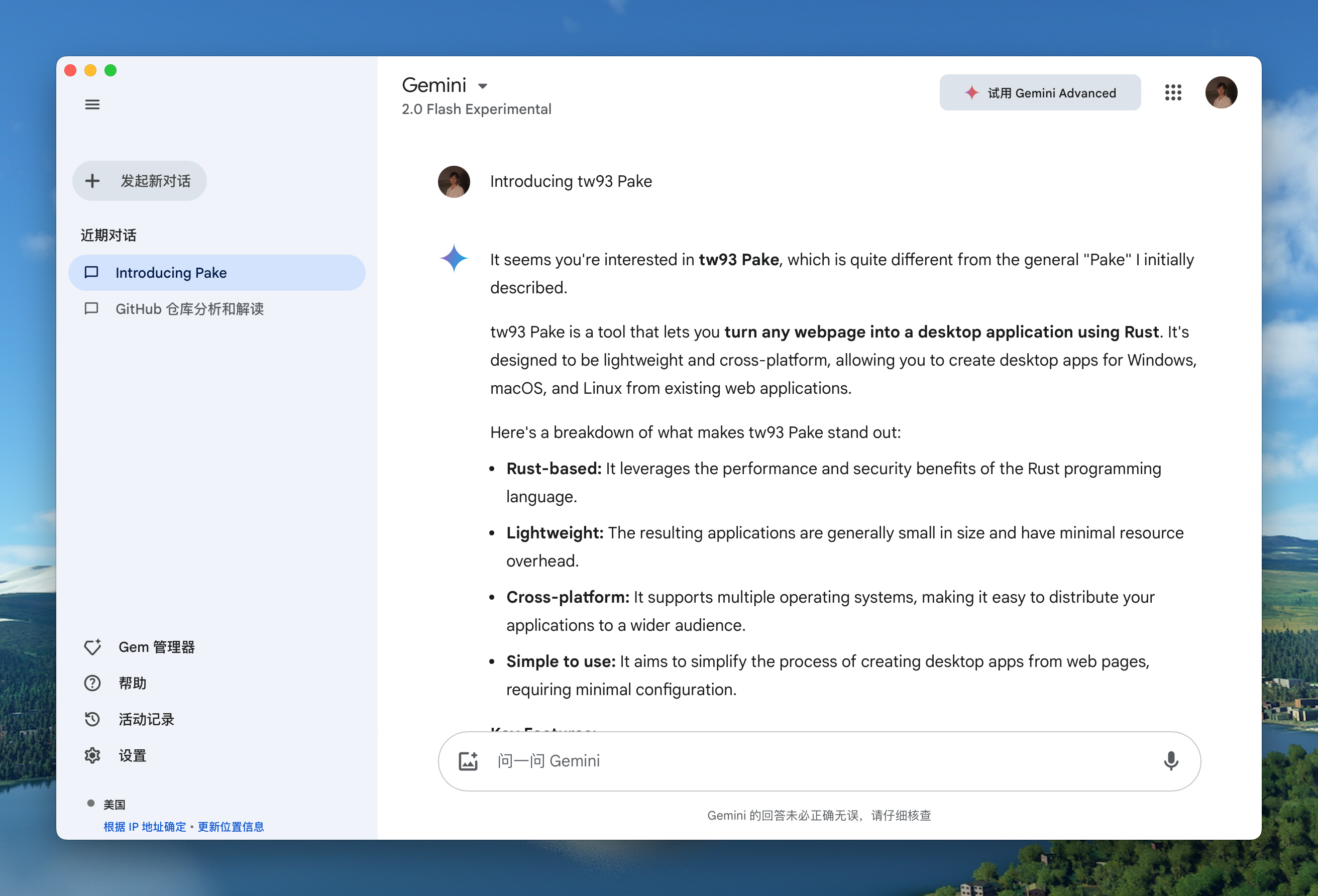
Pake maintains a gallery of popular pre-packaged apps that illustrate how the tool can wrap a range of sites into native-like experiences. Each entry shows cross-platform availability (Mac, Windows, Linux) and a representative screenshot to give you a feel for the wrapped app.
WeRead
Mac | Windows | Linux
Icon and screenshot illustrate a clean, reader-focused wrapper. This demonstrates how Pake can provide a distraction-free reading experience inside a native window.
Image:
Twitter
Mac | Windows | Linux
A familiar social experience with native window chrome and shortcuts. The wrap preserves essential web app behaviors while offering desktop-level performance.
Image:
Grok
Mac | Windows | Linux
A compact, fast wrapper suitable for web-based tools or dashboards, highlighting Pake’s ability to deliver lightweight containers for modern web apps.
Image:

DeepSeek
Mac | Windows | Linux
A sleek example of how Pake can turn web-based tools into desktop-grade experiences with responsive windows and native-feeling menus.
Image:

ChatGPT
Mac | Windows | Linux
A practical demonstration of wrapping AI-powered experiences with a native shell, preserving chat flows and responsive UI in a desktop app.
Image:
Gemini
Mac | Windows | Linux
A showcase of multi-modal interactions in a desktop container, designed to keep AI-assisted workflows smooth and accessible.
Image:
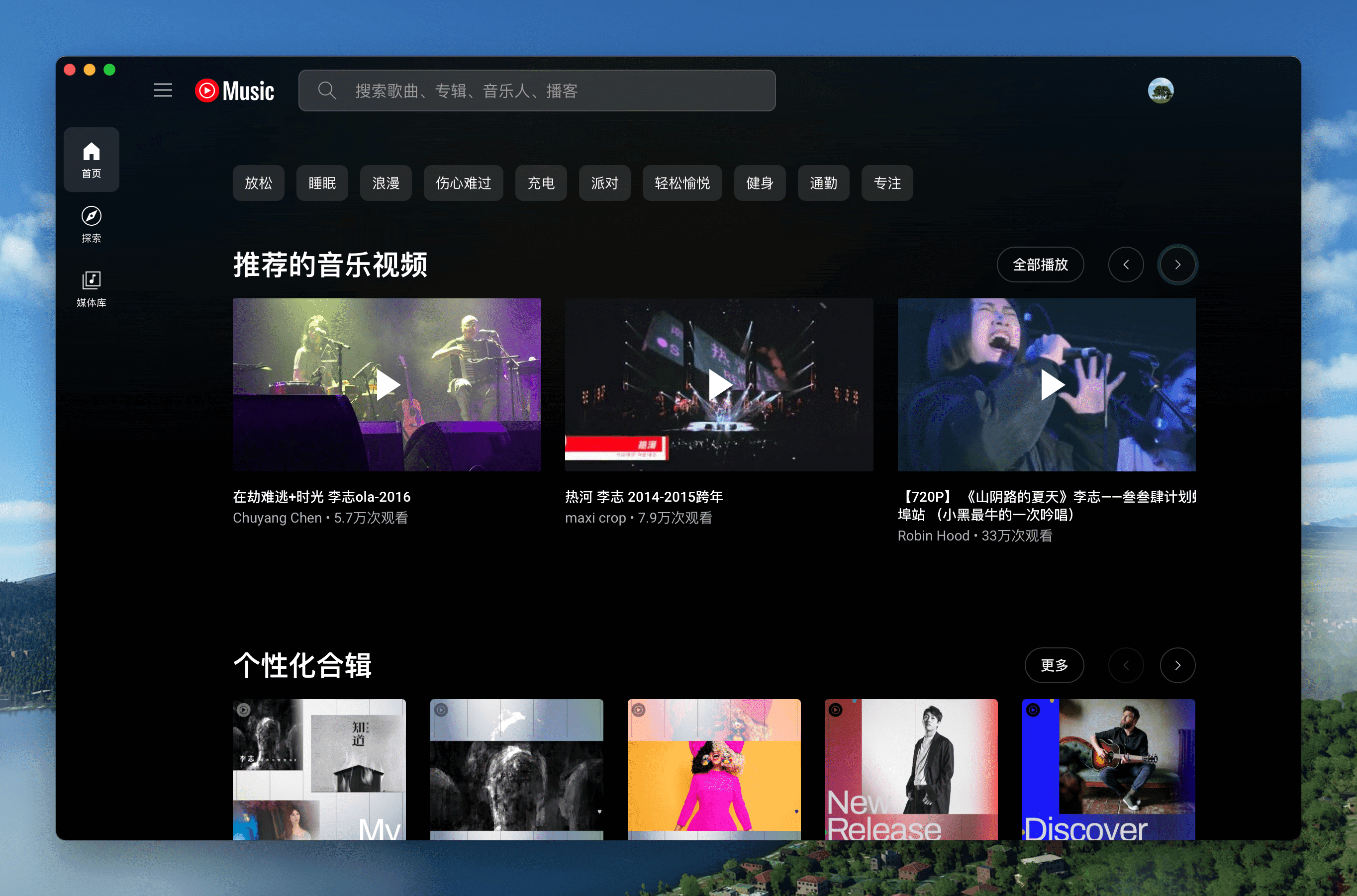
YouTube Music
Mac | Windows | Linux
A solid example of packaging a media-focused web app, with stable playback controls and a polished window frame.
Image:
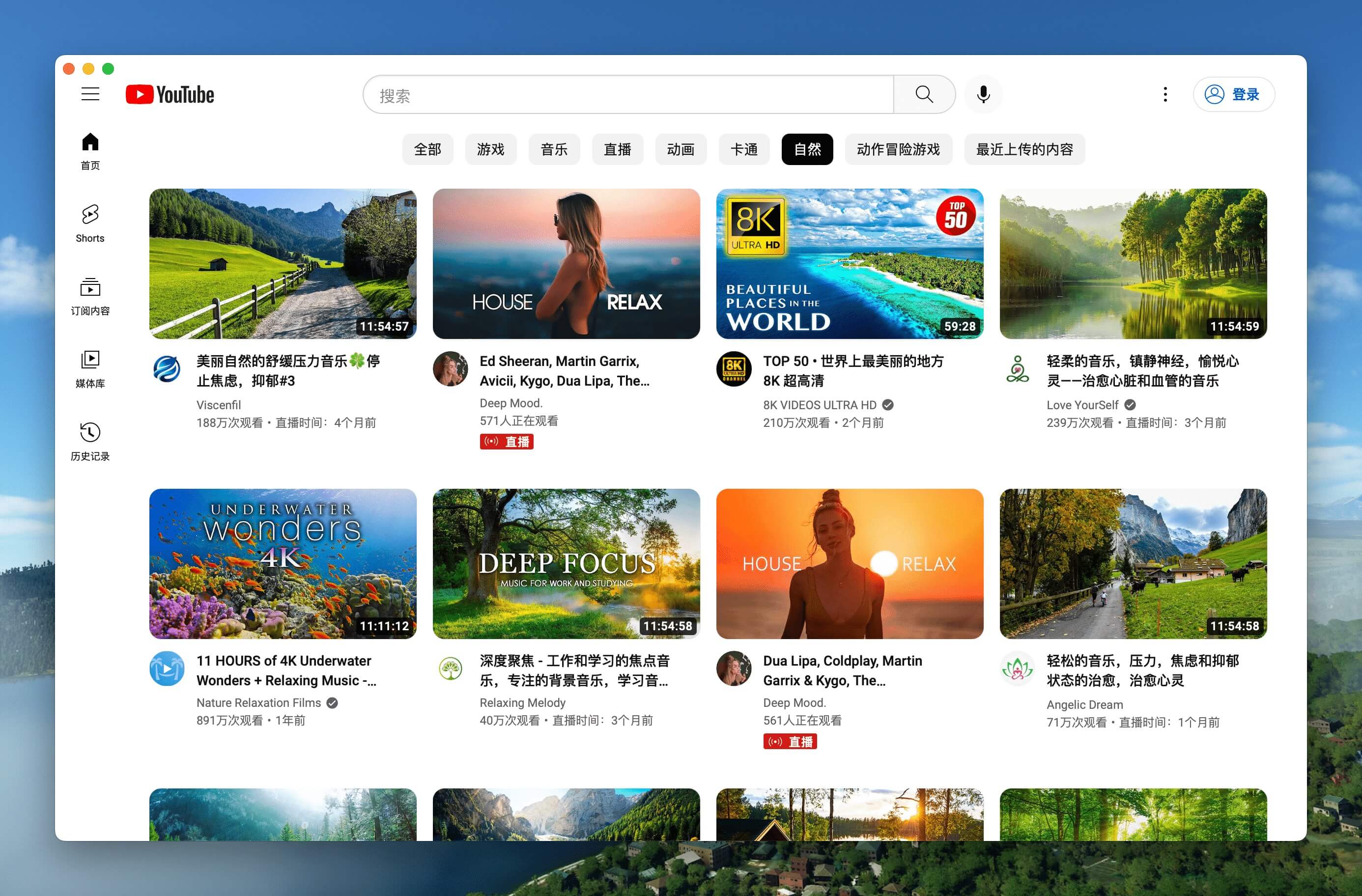
YouTube
Mac | Windows | Linux
Wrapping a video-centric site into a lightweight desktop app with quick access and keyboard-friendly navigation.
Image:
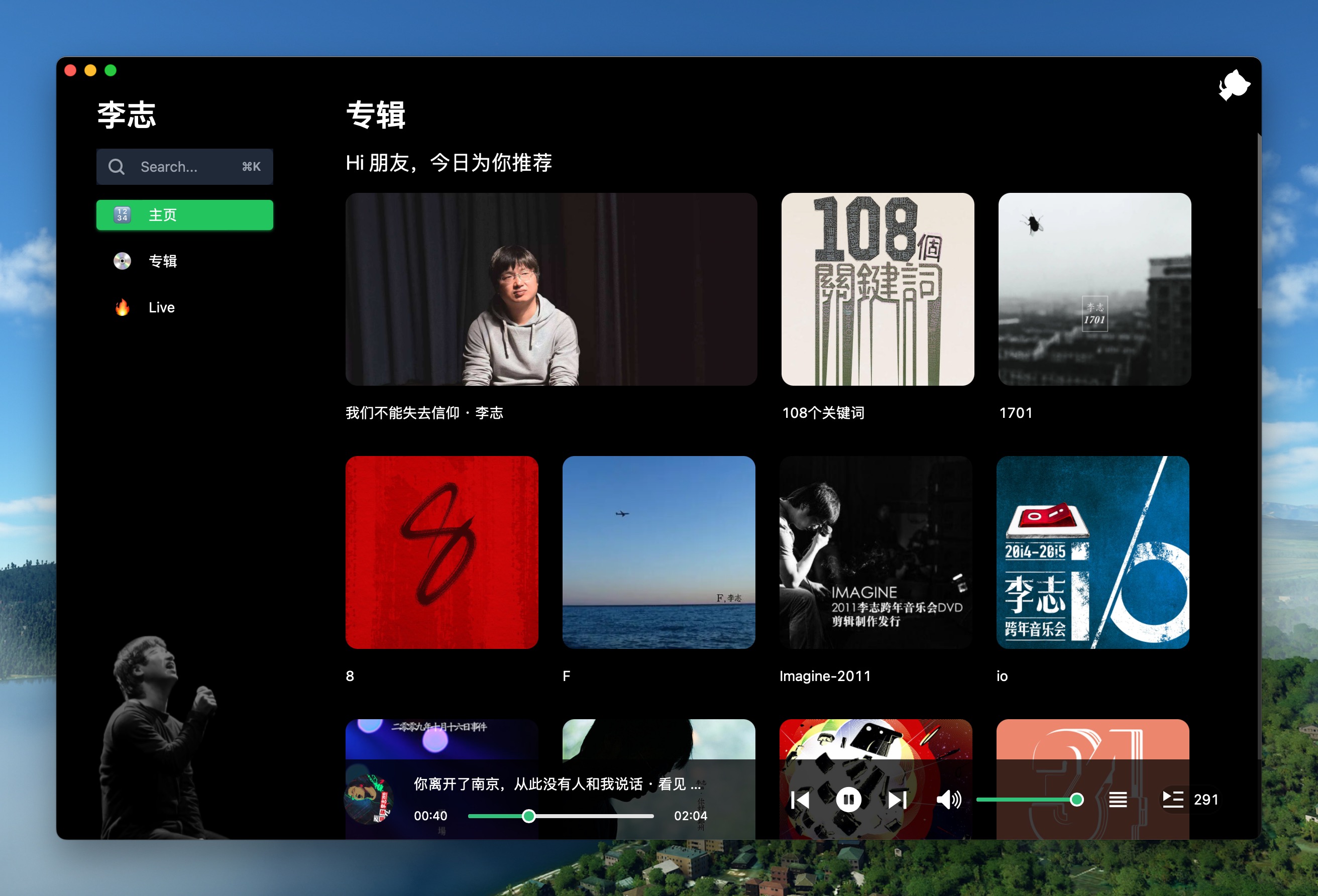
LiZhi
Mac | Windows | Linux
Another practical wrapper, illustrating Pake’s ability to deliver a native look and feel for productivity sites.
Image:
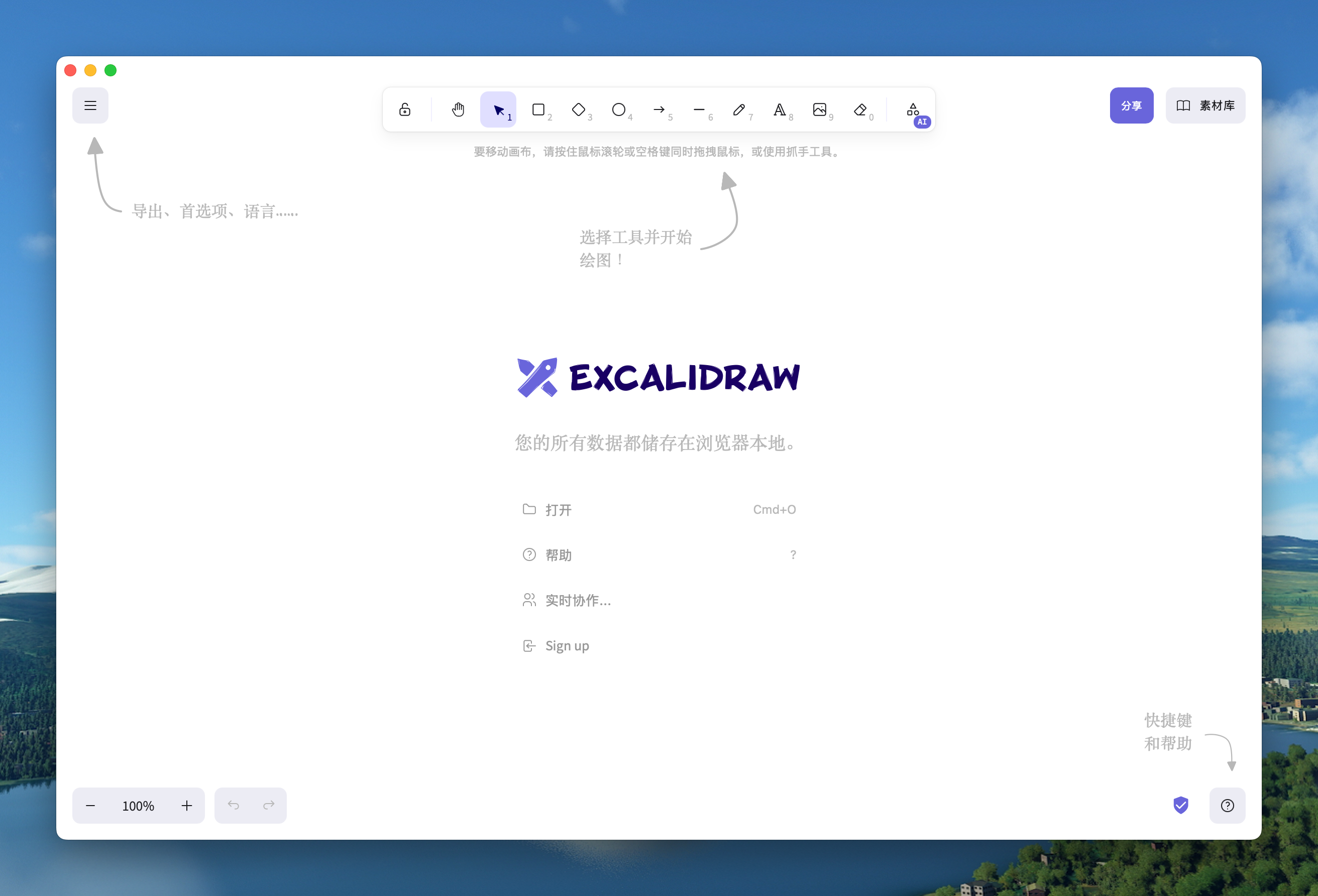
Excalidraw
Mac | Windows | Linux
A collaborative drawing experience wrapped for desktop use, benefiting from Pake’s fast startup and snappy rendering.
Image:
XiaoHongShu
Mac | Windows | Linux
An example of wrapping content-focused experiences with a clean desktop presentation.
Image:
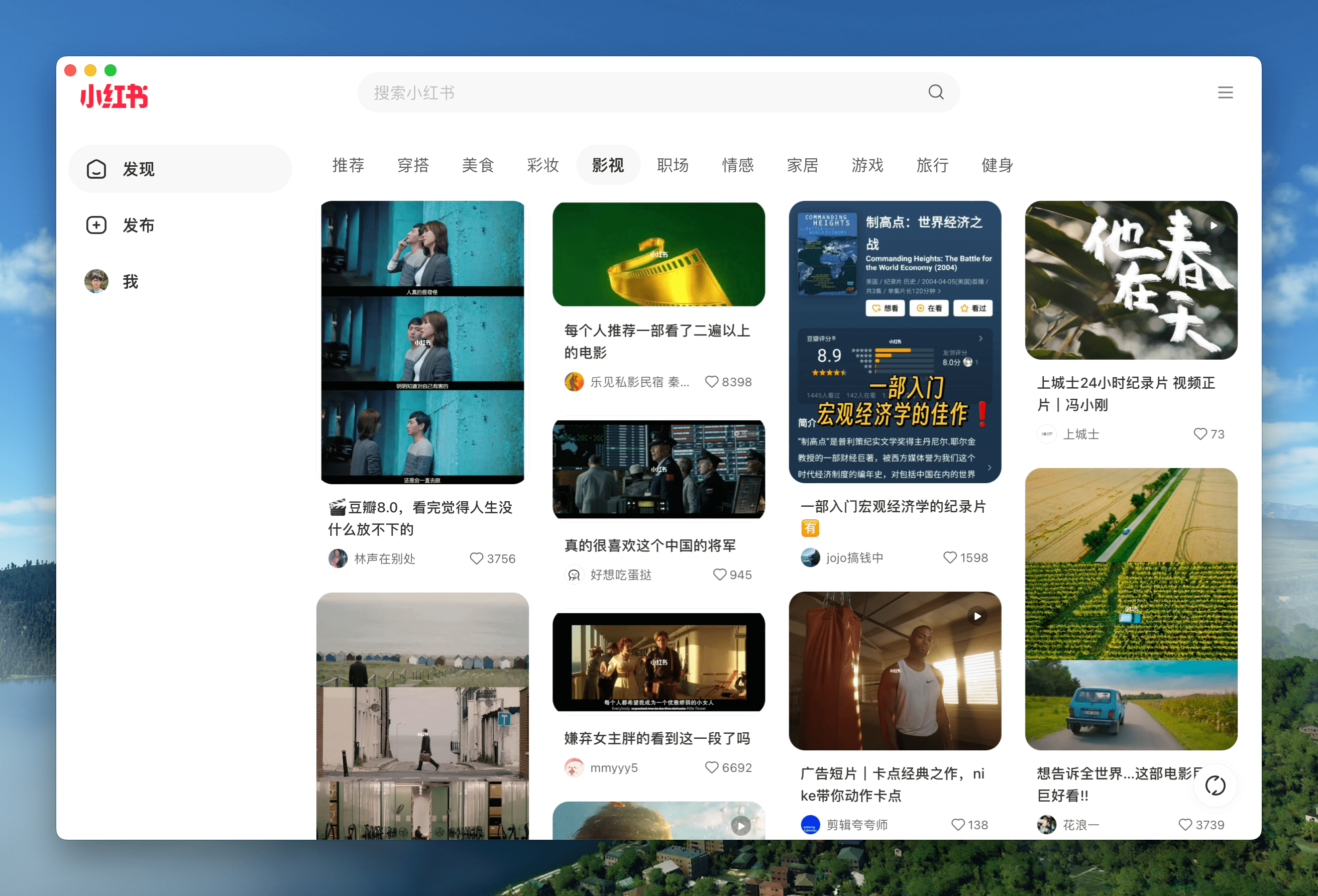
If you’re curious to explore more, you can download additional apps from the Releases page. The project keeps expanding with new wrappers and community-made packages.
[Note: The screenshots and icons above illustrate the kinds of experiences you can create with Pake, and the accompanying images give a sense of the polished, native-like result.]
Shortcuts Reference (Keyboard and Gestures)
A standout feature of Pake is the robust set of keyboard shortcuts that align with common desktop behaviors. The following references map to Mac and Windows/Linux equivalents so you can quickly navigate, zoom, and manage the window without leaving your keyboard.
Navigate pages
Mac: ⌘ + [ and ⌘ + ]
Windows/Linux: Ctrl + ← and Ctrl + →
Function: Return to the previous page or go to the next page
Scroll actions
Mac: ⌘ + ↑ / ⌘ + ↓
Windows/Linux: Ctrl + ↑ / Ctrl + ↓
Function: Auto scroll to top or bottom of the page
Refresh and reload
Mac: ⌘ + r
Windows/Linux: Ctrl + r
Function: Refresh the page
Window management
Hide window
- Mac: ⌘ + w
- Windows/Linux: Ctrl + w
Function: Hide the window, not quit
Zoom
Mac: ⌘ + - and ⌘ + =
Windows/Linux: Ctrl + - and Ctrl + =
Function: Zoom out or zoom in the page
Reset zoom
Mac: ⌘ + 0
Windows/Linux: Ctrl + 0
Function: Reset the page zoom
URL actions
Mac: ⌘ + L
Windows/Linux: Ctrl + L
Function: Copy Current Page URL
Paste and preserve style
Mac: ⌘ + ⇧ + ⌥ + V
Windows/Linux: Ctrl + Shift + V
Function: Paste and Match Style
Home navigation
Mac: ⌘ + ⇧ + H
Windows/Linux: Ctrl + Shift + H
Function: Go to Home Page
Developer tools (Debug only)
Mac: ⌘ + ⌥ + I
Windows/Linux: Ctrl + Shift + I
Function: Toggle Developer Tools (Debug Only)
Clear cache and restart
Mac: ⌘ + ⇧ + ⌫
Windows/Linux: Ctrl + Shift + Del
Function: Clear Cache & Restart
In addition, you can double-click the title bar to switch to full-screen mode. Mac users can also use gestures to navigate between pages and drag the title bar to move the window. The new menu also offers options for navigation, zoom, and window controls, making the experience feel like a native macOS or Windows/Linux app.
Command-Line Packaging
One of Pake’s core goals is to enable packaging with a single command. This makes it effortless to convert any URL into a desktop app that runs on your preferred OS.
Visual reference: Pake CLI in action
Image:
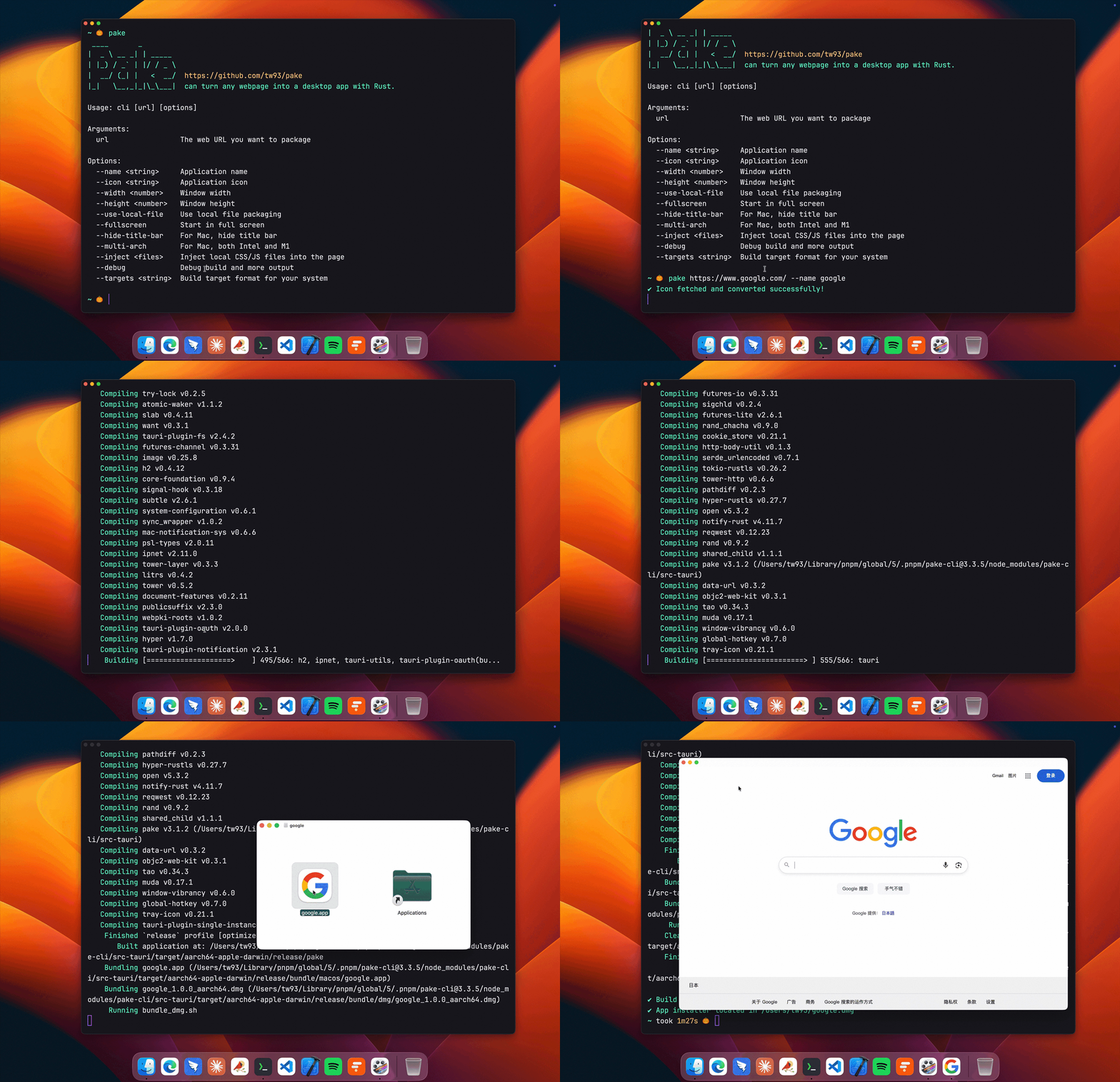
Basic workflow
Install Pake CLI
Package a website by passing its URL and a name
Optionally customize icons, window size, and title bar visibility
Code samples:
# Install Pake CLI
pnpm install -g pake-cli

# Basic usage - automatically fetches website icon
pake https://github.com --name GitHub

# Advanced usage with custom options
pake https://weekly.tw93.fun --name Weekly --icon https://cdn.tw93.fun/pake/weekly.icns --width 1200 --height 800 --hide-title-bar
First-time packaging may require environment setup and could be slower, as dependencies are pulled and the native wrapper is built. Subsequent builds are typically much faster, thanks to caching and incremental packaging. For a complete parameter reference, consult the CLI Usage Guide linked in the documentation. If you prefer not to use the CLI, you can explore GitHub Actions Online Building as an alternative path to generating builds from a repository.
[Figure: Pake CLI performs the packaging step with a simple command, dramatically reducing the time between URL and native app.]
Development: How to contribute or customize
Pake’s development requires a modern toolchain and cross-language coordination. The project explicitly notes:
- Prerequisites: Rust >= 1.85 and Node >= 22 (recommended LTS; 18 also works).
- For details, refer to the Tauri documentation (the underlying tech for building native apps with web technologies) to ensure your environment is correctly configured.
- If you’re unfamiliar with the full development environment, you can start with the CLI tool and experiment with wrapping sites without building a full local clone.
Common development steps:
# Install dependencies
pnpm i

# Local development (open in debug mode)
pnpm run dev

# Build the application for distribution
pnpm run build
Advanced users can tailor styling, implement new features, or extend communication between the container and host app. The documentation contains sections on style customization and feature enhancement, as well as guidance on inter-process communication and packaging nuances.
If you’re excited about collaborating, Pake maintains an active contributors community. You can view the contributors page to see who’s involved and follow their work. The project highlights community contributions as an essential part of its development.
- Contributors: Contributors
- The project acknowledges the developers and encourages new contributors to join.
Image: Contributors are showcased in the project’s contributor graph and related imagery.
Support and Community
Pake is a community-driven project that embraces feedback, ideas, and bug reports. If Pake helped you, consider sharing it with friends or giving it a star on GitHub. Your endorsement helps expand the ecosystem and improve the tooling.
- Share your thoughts or issues: Open an issue or a pull request. Your contributions, ideas, or tests help strengthen the project.
- Social engagement: There are social channels for updates, discussions, and announcements. You can follow related accounts for news and tips.
- Sponsorship and fun: The project has sponsors, and there’s a light-hearted nod to the creator’s two cats, TangYuan and Coke. If you’d like to support the project in a playful way, you can explore the sponsorship link.
- Sponsorship image:

- Cat-friendly support link: https://cats.tw93.fun?name=Pake
Additionally, the project links to a wide range of release assets. You can download more applications from the Releases page, expanding your testing ground and giving you more live examples of how Pake can wrap diverse web apps.
Design Philosophy and Practical Tips
- Native feel with cross-platform consistency: Pake aims to deliver a desktop experience that feels native on macOS, Windows, and Linux, blurring the lines between a traditional app and a wrapped site.
- Performance-first approach: By leveraging Rust and Tauri, Pake minimizes memory usage and startup times, making it a practical choice for users who want fast access to their favorite web apps without leaving a browser-like environment.
- Flexibility through simple configuration: While the CLI makes packing straightforward, advanced users can tweak window properties, icons, and other aesthetics to match brand or personal preferences.
- Community-driven expansion: The list of popular packages is just the start. As the community contributes new wrappers, the catalog will continue to grow, offering more ready-to-use options for everyday web tools.
Visual cues and branding help users feel confident that they’re deploying well-structured, production-grade desktop wrappers rather than experimental hacks. The project maintains a consistent set of assets and examples to guide newcomers toward reliable builds.
Conclusion: Why you should try Pake
If you regularly use web apps and wish for the convenience of desktop windows, Pake offers a compelling path forward. It delivers:
- A lean, fast, and easy way to wrap any webpage into a desktop app.
- Cross-platform compatibility with polished window behavior and keyboard accessibility.
- A spectrum of use cases—from personal productivity wrappers to enterprise-tailored dashboards.
- A straightforward CLI-based workflow and online building option for rapid experimentation.
- A growing ecosystem of ready-to-use popular packages to help you get started quickly.
Whether you’re a developer seeking a quick packaging workflow, a designer wanting a natively-feeling app for a favorite site, or a power user who tacks multiple web apps onto the desktop for convenience, Pake helps you streamline the process without sacrificing control or quality.
Quick references and assets you may want to explore
Logo and branding:
CLI and packaging visuals:
Popular packages and visuals:
WeRead:
Twitter:
Grok:
DeepSeek:
ChatGPT:
Gemini:
YouTubeMusic:
YouTube:
LiZhi:
Excalidraw:
XiaoHongShu:
Contributors:

Support and sponsorship:
Development and community links:
Releases: https://github.com/tw93/Pake/releases
GitHub: https://github.com/tw93/Pake
FAQ and advanced usage docs as referenced above
If you want to dive deeper, explore the GitHub repository, try a few popular packages, and experiment with the CLI to package your own site. Pake makes the desktop experience for web apps accessible and practical, combining the best elements of modern web tooling with the polish of native desktop software.
Enjoying this project?
Discover more amazing open-source projects on TechLogHub. We curate the best developer tools and projects.
Repository:https://github.com/tw93/Pake
GitHub - tw93/Pake: Pake
Pake is an open-source tool that turns any webpage into a desktop app with one command, built on Rust-based Tauri framework....
github - tw93/pake